Green Screen Alternatives: A Week-Long Lighting & Depth Experiment
For years, streamers defaulted to green screens for virtual backgrounds. But what if that's been the wrong approach all along? We spent a week experimenting with professional green screen alternatives, and the results fundamentally shifted our perspective on elite streaming visuals.
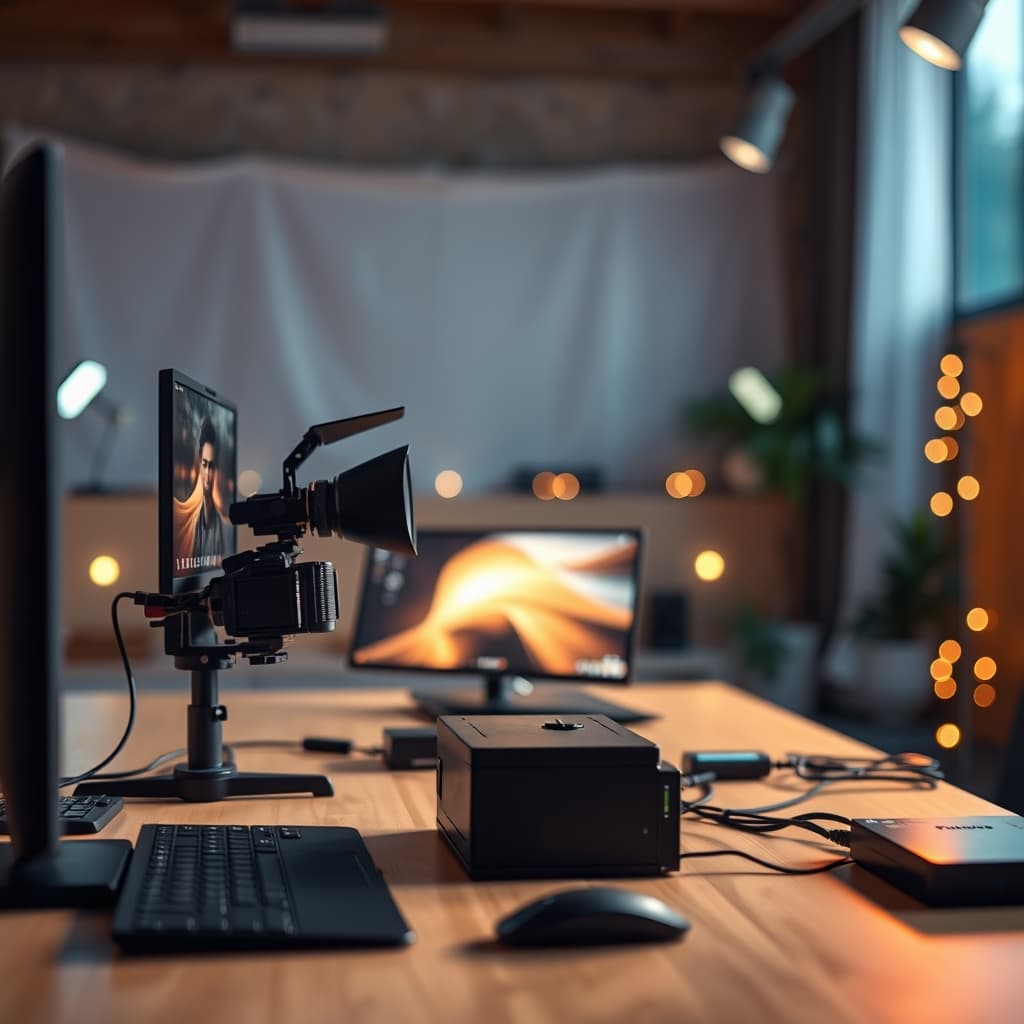
For years, the default for any serious streamer or content creator wanting a custom background has been the green screen. It's perceived as the ultimate tool for virtual freedom. But the reality is, most setups using them look… bad. We ran a week-long experiment, consciously replacing our standard green screen setup with curated green screen alternatives to see if a more authentic, less artifact-prone aesthetic was truly achievable without specialized chromakey fabrics. The answer, unequivocally, is yes.
Why green screen alternatives matters
The Green Screen Problem: A Crutch, Not a Solution
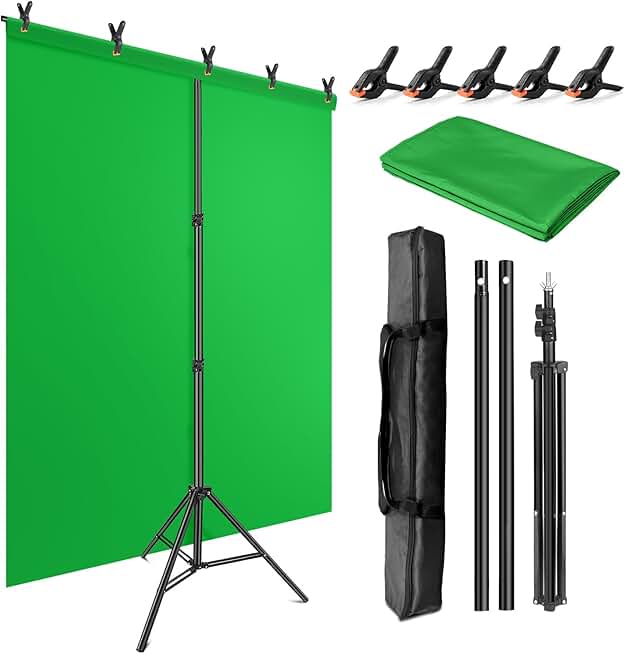
🔥 Green Screen Backdrop Kit with Stand, 5X6.5ft Portable Green Screen Backdrop with Stand kit, GreenScreen Background with
$28.98★ 4.4(1,480 reviews)
Streamers and content creators needing flexible chroma keying in varied spaces.
Wrinkle-resistant chromakey fabric for smooth keying
Reverse folding base for quick setup and takedown
Portable T-shape stand for stability and adjustability
Most people view green screens as a simple 'fix' for a messy room. Hang it up, hit a button in OBS, and poof, virtual studio. This is a fundamental misunderstanding. Green screens introduce a cascade of complex problems:
Lighting Uniformity: Achieving perfectly even, shadow-free illumination across a large green surface is far harder than most anticipate. Uneven lighting leads to blotchy keying and visible edges.
Color Spill: Green light bouncing off the screen onto your subject (especially hair or reflective surfaces) is a constant battle. This 'spill' creates an unnatural halo, even with advanced de-spill algorithms.
Performance Overhead: While modern GPUs excel, advanced keying often demands more processing power, potentially impacting frame rates or requiring more aggressive OBS hardware encoding settings than ideal for pristine video quality.
Physical Space: A large, properly stretched green screen takes up significant real estate.
The GlowRig Solution: Intentional Environments and Strategic Light
Our experiment wasn't about finding a 'software button' to replace the green screen. It was about fundamentally rethinking the streaming environment. The most effective green screen alternatives focus on two core pillars: intentional physical backgrounds and masterful lighting design.
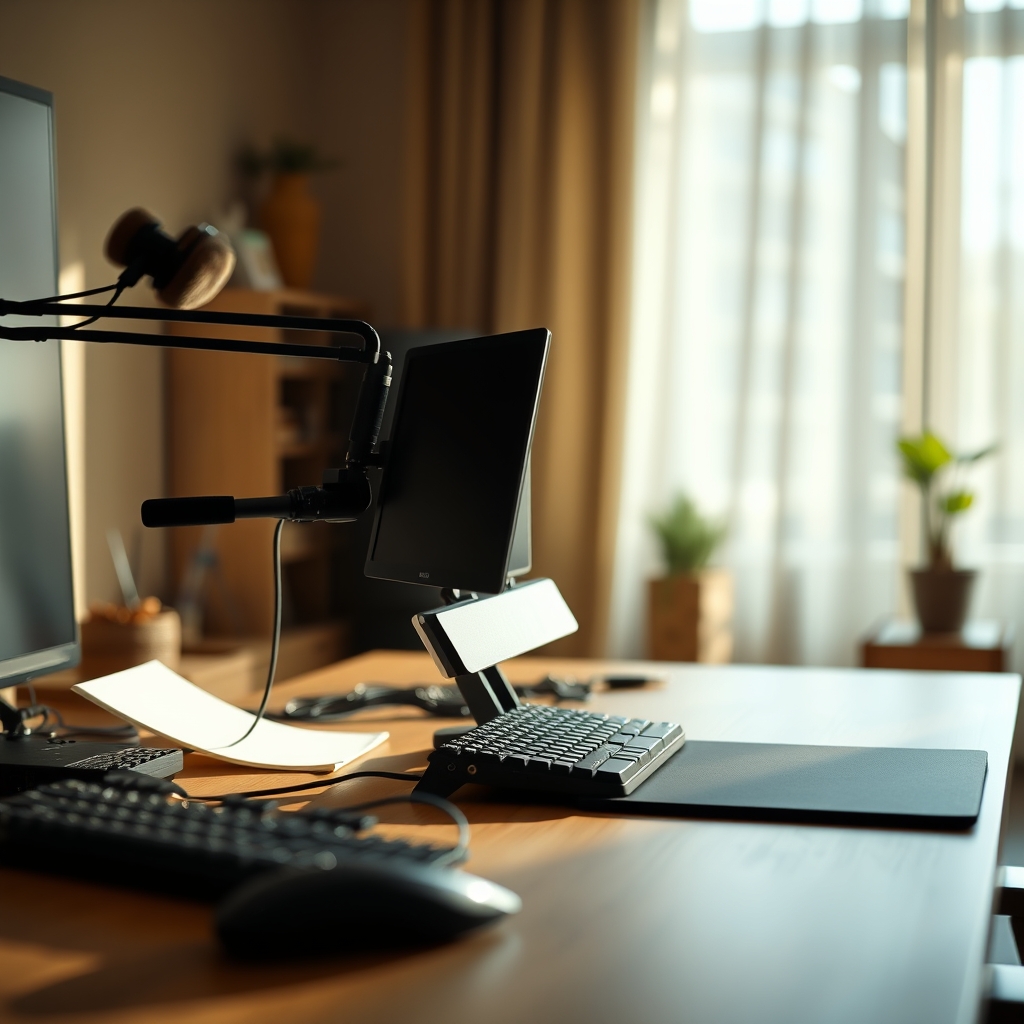
An intentional physical background, thoughtfully lit, offers unparalleled authenticity and depth compared to any virtual solution.
The Power of Intentional Physical Backgrounds
Forget the digital fakery. A well-designed physical background offers unparalleled depth, texture, and authenticity. This doesn't mean a meticulously clean room; it means a curated one. Think about what your background communicates. Is it a minimalist deep work station, a cozy reading nook, or a high-tech command center? The goal is to create visual interest and context without distracting from you, the subject.
Depth of Field: Leverage your camera's aperture to create a shallow depth of field, blurring your background naturally. This is far more pleasing to the eye than any artificial blur filter. A good lens (f/2.8 or lower) is key here, even on a modest camera. This helps viewers focus on you, naturally elevating your presence.
Texture & Layers: Introduce real-world textures. A brick wall, a carefully placed bookshelf, acoustic panels (even The 'Aesthetic' Acoustic Panel Trap: Why Design-First Sound Solutions Are Silently Ruining Your Audio Quality can be overcome with proper placement) or a simple, clean painted wall with minimal art. Layers add visual richness that a flat virtual background can never replicate. As we discussed in Your 'Aesthetic' Streaming Background Is Secretly Hurting Your Viewership: The Psychology Pros Use Instead, intentionality trumps arbitrary aesthetics.
Mastering Light for Virtual Presence
This is where most setups, green screen or otherwise, fail. Superior lighting is the bedrock of professional streaming, and it's doubly critical when you're relying on a physical background. We're talking about more than just 'bright.' We're talking about precision.
Key Light: Your primary light source. Position it 30-45 degrees off-center, slightly above eye level. This sculpts your face, adding dimension. We aim for a CRI (Color Rendering Index) of 95+ for accurate skin tones.
Fill Light: Soften harsh shadows created by your key light. Position it opposite your key, at lower intensity. This balances your face-lighting angles, preventing a stark, one-sided look. For a detailed breakdown on avoiding common lighting pitfalls, see YouTuber Lighting Makes You Look Worse? Stop Using Bad Lighting.
Back Light / Hair Light: Crucial for separating you from your background. A soft light positioned behind and slightly above you creates a subtle rim of light, preventing you from blending in. This separation is paramount when you lack a green screen.
Practical Background Lights: Use small, tasteful light sources within your physical background. LED strips, small desk lamps, or even tastefully placed RGB accents (subtly, not overtly distracting) can add depth and visual interest without overwhelming. Control their intensity; the goal is ambience, not distraction.
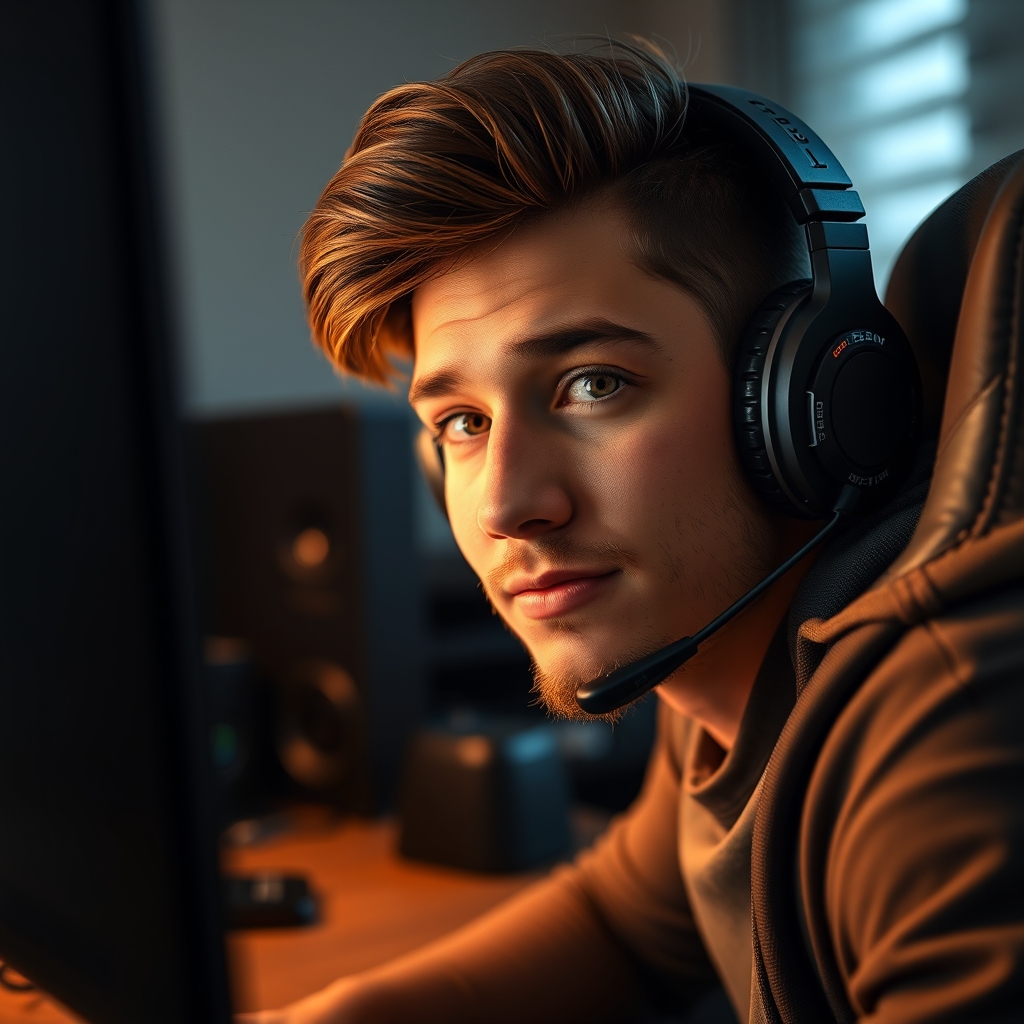
Mastering key, fill, and backlighting angles is critical for subject separation and a professional look without a green screen.
Software-Driven Backgrounds: A Calculated Risk
While we advocate for physical backgrounds, there are scenarios where software background removal (e.g., NVIDIA Broadcast, OBS Studio's background removal plugins) offers a passable, albeit imperfect, solution. But treat it as a last resort, not a primary strategy.
Performance Impact: These solutions are resource-intensive. If you're on a single-PC setup, this processing load directly competes with your game, stream encoding, and other tasks. Ensure your system utilizes dedicated OBS hardware encoding (NVENC or AMF) for your stream to offload as much as possible, preventing frame drops in both your game and stream.
Edge Artifacts: Even the best AI still struggles with fine details like hair, glasses, or sudden movements. You'll often see shimmering or flickering around your edges. This is significantly reduced with a simple, well-lit background, even if it's just a blank wall.
Audio Routing Complexity: For advanced users attempting to offload this processing to a dedicated stream PC, remember the added complexity of dual PC audio routing. This involves careful consideration of virtual audio cables and dedicated hardware mixers to ensure clean audio input and output across both systems, which can be a project in itself. For deep dives into audio optimization, consult Invisible Software Tweak Audio: The Truth About Sound Nobody Tells You.
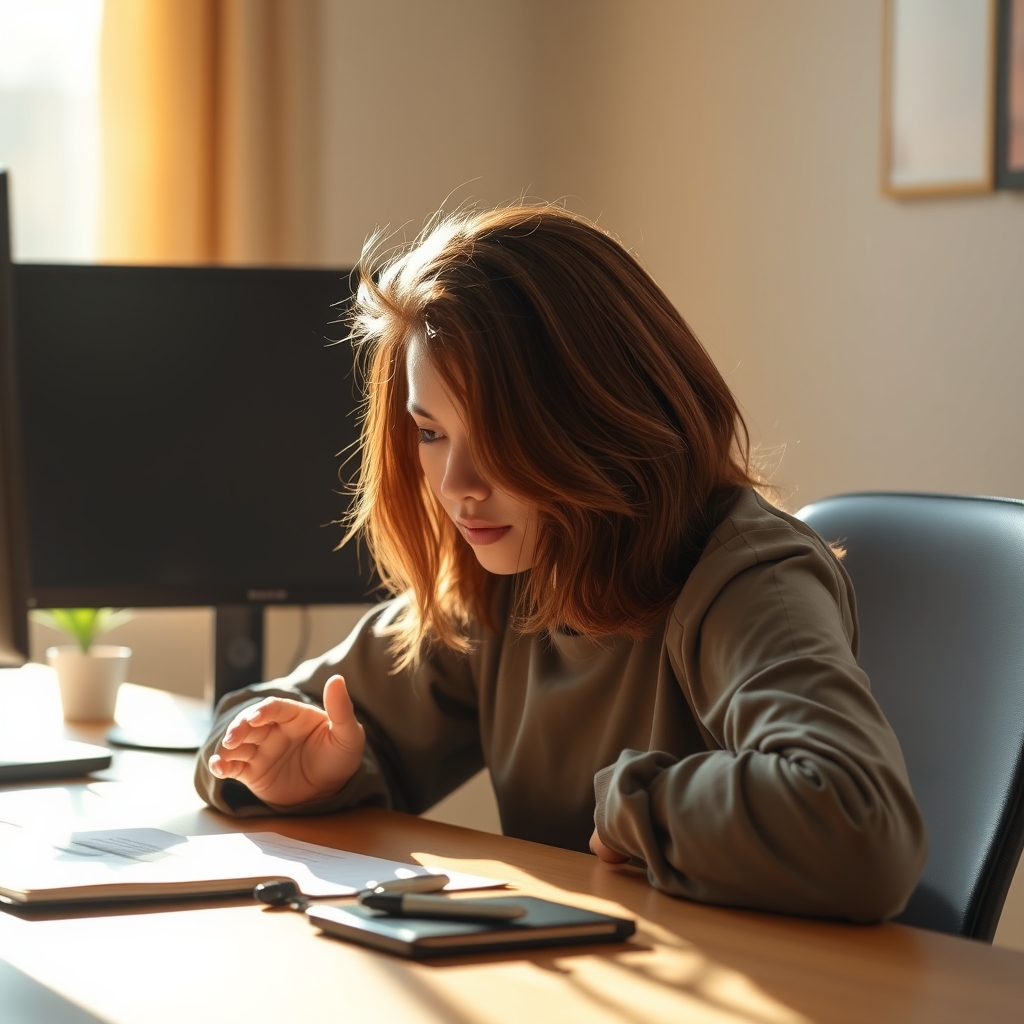
Even advanced AI background removal struggles with fine details, often resulting in distracting edge artifacts during movement.
Practical Tips for a Superior Background
Declutter Ruthlessly (But Strategically): A clean background doesn't mean sterile. Remove anything distracting or irrelevant. What remains should add to your visual story.
Evaluate Your Wall Color: A neutral, matte wall (grey, off-white, muted blue) provides an excellent foundation. Avoid highly reflective or brightly colored walls.
Invest in Quality Lighting: Even a single, good quality softbox or LED panel will do more for your stream than a cheap green screen kit. Focus on even, diffused light for your face.
Test Constantly: Before going live, record short clips. Analyze your lighting, background composition, and how well you stand out. Look for shadows, reflections, and distracting elements.
Mistakes to Avoid
My biggest mistake during our experiment was underestimating the impact of subtle face-lighting angles when moving away from a traditional green screen. Forgetting a hair light or placing a key light too low immediately flattened my appearance, making me blend into the background. The lack of green screen meant my face had to carry the separation, and poor lighting sabotaged that. It's a fundamental error that no software trick can truly compensate for.
Final Verdict
The week-long experiment confirmed it: the reliance on green screens for general content creation is often a crutch that leads to subpar visual quality. Green screen alternatives focused on intentional environmental design and meticulous lighting will elevate your production value far beyond what a cheap chroma key can offer. Embrace real depth, controlled lighting, and a curated physical space. Your viewers will notice the difference.
If, however, your specific content absolutely requires full virtual environments for specific creative purposes, and you need to implement a green screen, invest in quality. For this rare edge case, a premium, wrinkle-resistant solution is critical to minimize the technical headaches:
Can I achieve a blurred background without a fancy camera?
Not perfectly, but you can improve it. Ensure your subject is as far from the background as possible, and use a lens with a wider aperture (lower f-stop number). Software solutions exist, but come with the compromises discussed.
What if I have limited space and can't create an elaborate physical background?
Even a simple, clean, neutral-colored wall, well-lit from the front and separated with a backlight, is vastly superior to a poorly keyed green screen. Focus on a single, appealing element if possible, like a small plant or a tasteful lamp.
Is investing in good lighting more important than a new camera?
Absolutely. Excellent lighting can make an inexpensive webcam look professional, while poor lighting will make even a high-end DSLR look terrible. Prioritize light first.
Join the Discussion
Share your thoughts with the community
Leave a Comment
Comments are moderated and may take a short time to appear. Links are not permitted.