Desk Lighting Setup Masterclass 2026
Many chase bright lights, but the secret to a compelling desk lighting setup lies in intention, layers, and visual harmony. We've spent years in the lab perfecting light to elevate focus and mood. Ready to transform your workspace?
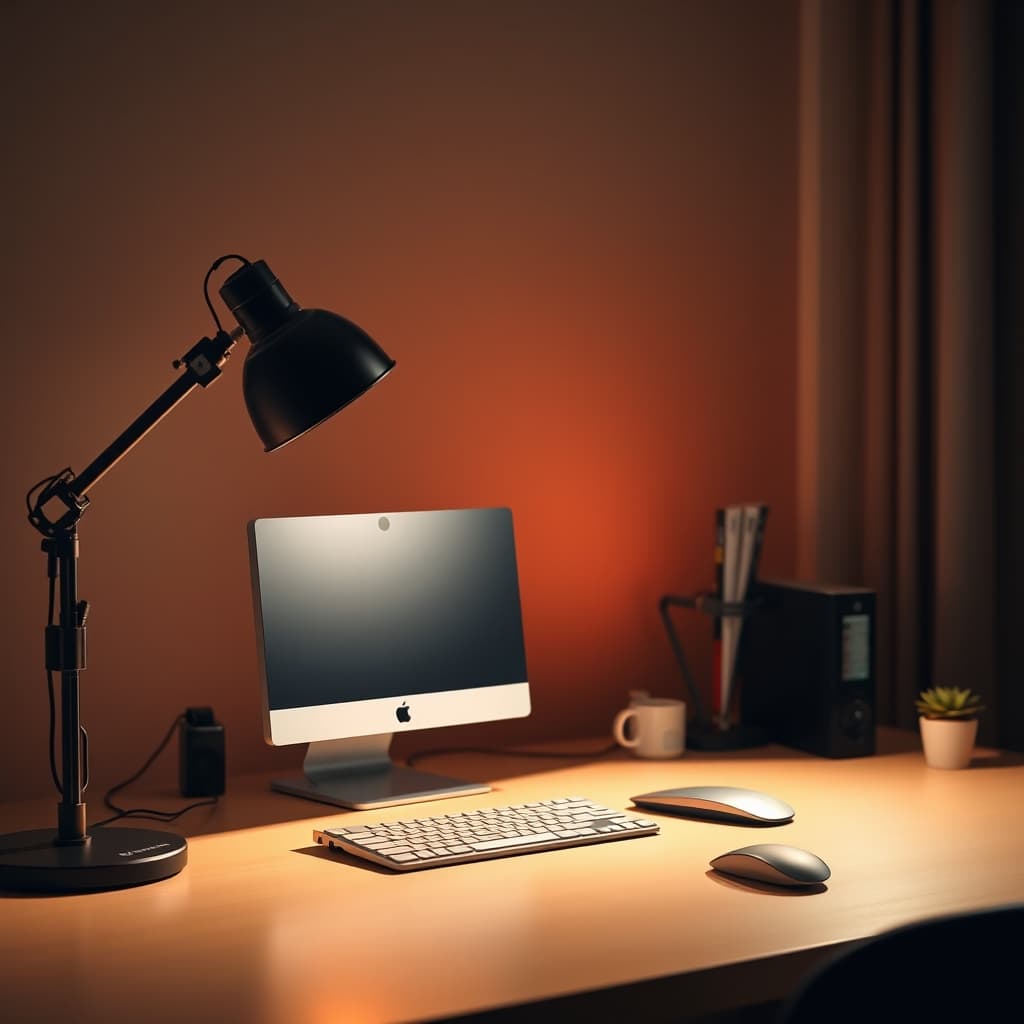
The Misunderstood Glow: Your Lighting Setup Trap
For years, the common wisdom for a good desk lighting setup has been "more light equals more productivity." The reality, however, is far more nuanced, and chasing raw lumens without a plan is one of the biggest mistakes we've seen at GlowRig. It’s not just about visibility; it’s about crafting an environment that supports your work, mood, and visual health without overwhelming your senses. A single, harsh overhead light or a desk lamp pointed directly at your face is a shortcut to eye strain, fatigue, and a workspace devoid of character.
In our testing, we've found that haphazard lighting often leads to significant drops in focus and even creative block. The goal isn't just to illuminate, but to sculpt your space with light, adding depth, texture, and a specific mood. This isn't just aesthetic fluff; it's a fundamental aspect of a The Ultimate Guide to desk setup productivity.
Your Lighting Arsenal: What You Need
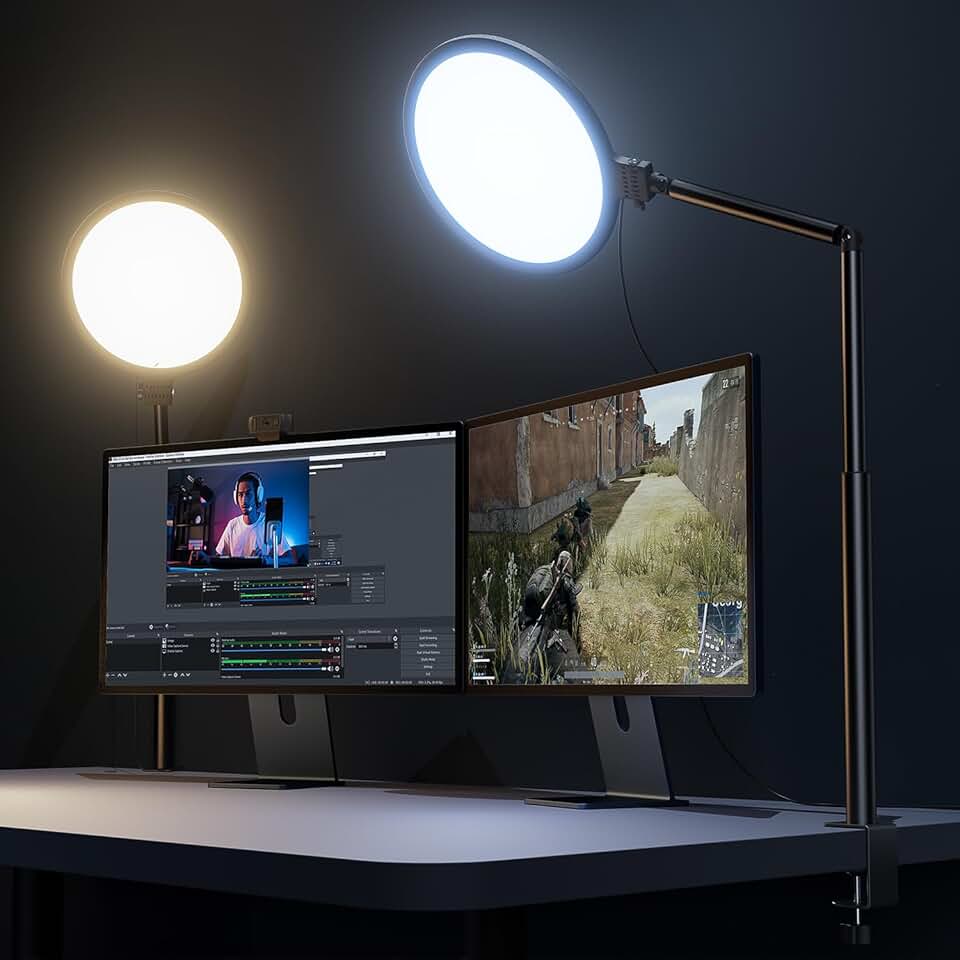
Premium Pick
- High performance
- Premium build
Before diving into the setup, gather your tools. Think of these not just as light sources, but as brushes in your lighting palette. Remember, quality over quantity is key here.
- Primary Desk Lamp: A high-quality, adjustable desk lamp is your foundational piece. Look for flexibility in positioning, brightness, and color temperature.
- Accent Lighting: LED light strips (bias lighting), small puck lights, or a compact decorative lamp. These add depth and soften shadows.
- Monitor Light Bar (Optional, but highly recommended): Specifically designed to illuminate your desk without reflecting off your screen. Critical for My 30-Day Experiment: Defeating Monitor Eye Strain.
- Smart Plugs/Controller (Optional): For easy management and automation of your lighting scheme.
- Light Meter App (Smartphone): To get a rough sense of Lux levels across your desk.
💡 GlowRig Recommended Product:
Building Your Ideal Desk Lighting Setup: Step-by-Step
Crafting a truly effective and aesthetic desk lighting setup is an iterative process. Resist the urge to just plug in and go. Follow these steps to build a system that enhances, rather than detracts from, your workflow.
1. Define Your Desk's Narrative and Function
What to do: Before placing any lights, take a moment to understand your primary activities at the desk. Are you editing videos, writing code, reading documents, or a mix? What mood do you want to evoke? A vibrant, cool tone for deep work? A warm, inviting glow for creative tasks or late-night sessions?
Why it matters: The biggest mistake people make is treating all desk lighting as universal. A programmer needs different light than a digital artist. By understanding your core use cases, you prevent a generic, uninspired setup. For instance, tasks requiring fine detail benefit from higher color rendering index (CRI) light, while casual browsing might thrive under warmer, softer tones.
What can go wrong: Failing this step leads to mismatched lighting. You might end up with overly bright, distracting light when you need focus, or dim, sleepy light when you need alertness. This is where most people make fundamental The Truth About desk lighting mistakes Nobody Tells You.
2. Position Your Primary Illumination
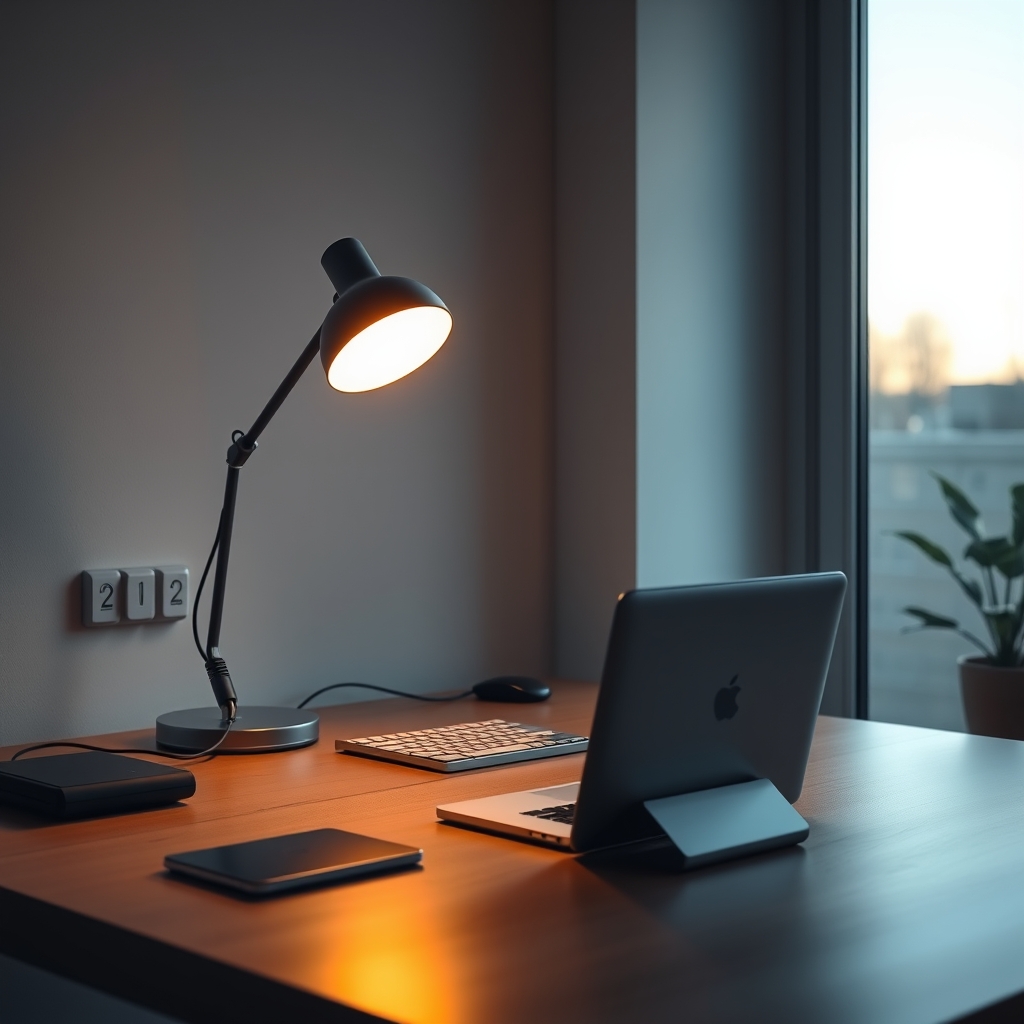
What to do: Place your primary desk lamp strategically. For right-handed individuals, position the lamp to your left and slightly in front. For left-handed users, place it to your right. The light source should illuminate your primary workspace (keyboard, mouse, immediate documents) without casting shadows from your dominant hand onto your work, and critically, without shining directly into your eyes or onto your monitor.
Why it matters: This placement minimizes self-shadowing and prevents direct glare, which can lead to rapid eye fatigue. According to OSHA standards for office lighting, direct glare should be avoided, and ambient light levels should ideally be between 300-500 Lux for typical office tasks. Use your light meter app to check your primary work area.
What can go wrong: Placing the lamp directly behind your monitor creates backlight glare. Placing it on your dominant side creates frustrating shadows. Too far away, and it's ineffective; too close, and it can be harsh. Ensure the light source itself is outside your direct line of sight.
3. Weave in Accent & Backlighting
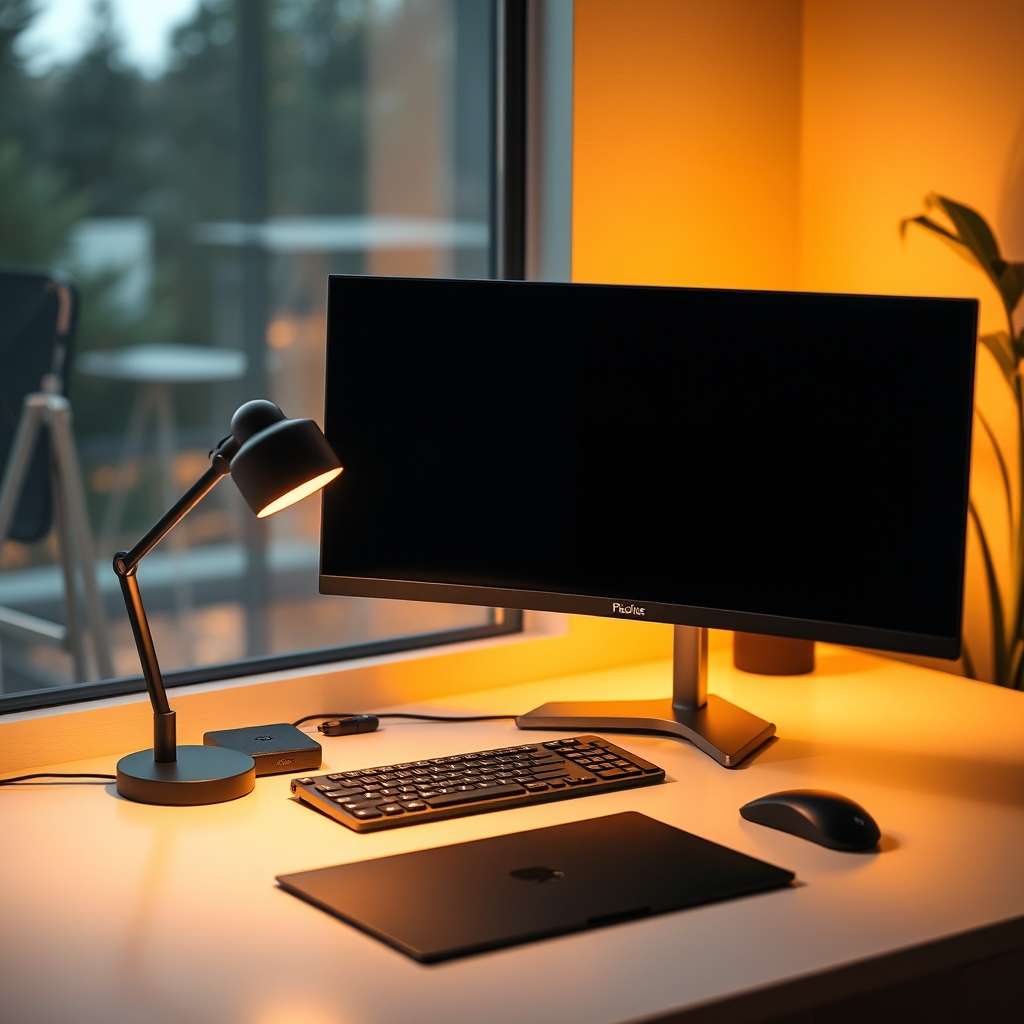
What to do: Integrate secondary light sources to add depth and reduce contrast. Bias lighting (LED strips behind your monitor) is crucial. Place them evenly along the back edge of your monitor. Other accent lights, like a small light bar above your monitor or a small lamp in a corner, can highlight textures or objects.
Why it matters: Accent lighting isn't just for aesthetics; it plays a critical role in visual comfort. Bias lighting reduces the harsh contrast between a bright screen and a dark wall, diminishing eye strain. It creates a perceived larger field of view, making your desk feel more expansive. This is a key aspect of building a vibrant What Happens When You Prioritize Ambiance to Improve Desk Lighting.
What can go wrong: Overdoing accent lighting can make your desk look like a spaceship, distracting rather than enhancing. Uneven bias lighting creates odd halos. The biggest mistake here is making accent lights too bright; they should complement, not compete with, your primary light.
4. Dial in Color Temperature and Intensity
What to do: Adjust your primary and accent lights' color temperature and brightness to match your tasks and the time of day. For focused work, aim for cooler temperatures (4000K-5500K) and moderate brightness. For relaxation or late-night tasks, shift to warmer tones (2700K-3500K) and lower intensity. Ensure consistency between light sources if possible.
Why it matters: Color temperature (measured in Kelvin) significantly impacts mood and alertness. Cooler light mimics daylight, boosting concentration, while warmer light promotes relaxation and signals your body to prepare for rest. In our lab, consistent color temperature across sources proved critical for minimizing visual fatigue.
What can go wrong: A common pitfall is mixing vastly different color temperatures (e.g., a warm desk lamp and a cool monitor light). This creates an jarring visual environment. Similarly, blasting full brightness all the time will lead to eye strain and potentially disrupt your circadian rhythm.
5. Conquer Glare and Shadows
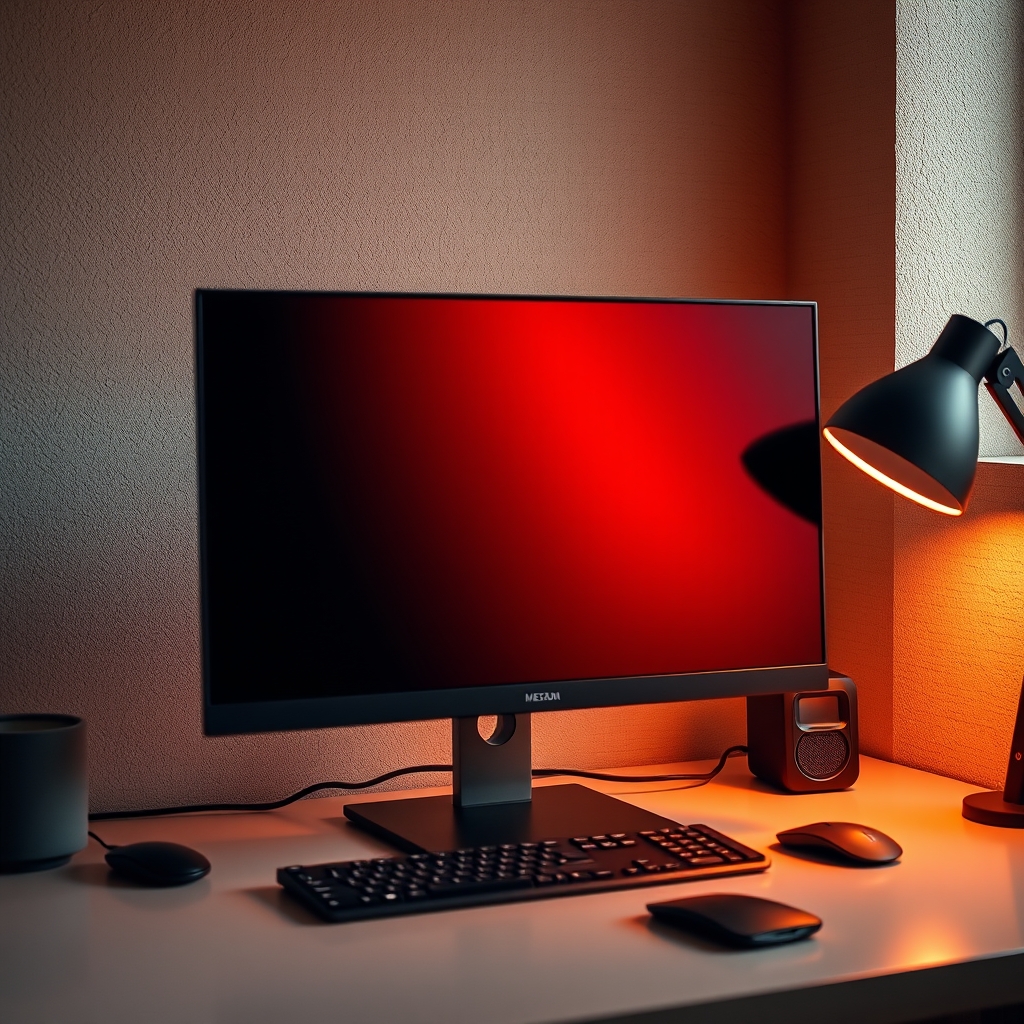
What to do: After setting up, critically assess your desk for unwanted glare and harsh shadows. Glare often comes from windows, overhead room lights, or shiny desk surfaces. Reposition light sources, use a monitor light bar, or consider a matte desk mat. For shadows, ensure your light sources overlap sufficiently or add a fill light from a different angle.
Why it matters: Glare reduces screen readability and strains your eyes, forcing them to constantly adjust. Harsh shadows obscure details and create visually busy, distracting areas. Mitigating these creates a uniform, comfortable visual plane for prolonged work.
What can go wrong: Ignoring glare is a direct path to chronic eye fatigue and headaches. A mistake often made is thinking more light fixes shadows; sometimes, it just makes them darker. The solution is often diffusing light or adding another carefully placed, lower-intensity light.
When the Light Fails: Troubleshooting Common Issues
Even with the perfect plan, issues can arise. Here are common problems and their solutions:
- Problem: Glare on Monitor Screen.
- Solution: Reposition your primary desk lamp so it doesn't shine directly at the screen. If using a ceiling light, consider turning it off or using a monitor light bar that projects light downwards onto the desk, not forward onto the screen. Check for reflections from windows and use blinds if necessary.
- Problem: Uneven Lighting / Dark Spots on Desk.
- Solution: Your primary light might be too focused or positioned incorrectly. Consider adding a secondary, lower-intensity accent light to 'fill in' dark areas, or use a desk lamp with a wider diffusion angle. Ensure bias lighting behind your monitor is evenly distributed.
- Problem: Eye Strain and Headaches Despite "Good" Lighting.
- Solution: This often points to incorrect color temperature or excessive brightness. Reduce the overall brightness of your desk lamp and monitor. Experiment with warmer color temperatures (3000K-4000K), especially in the evening. Also, check for flickering in older LED lamps, which can be imperceptible but highly fatiguing.
- Problem: Lack of Visual Depth / Flat Aesthetic.
- Solution: You likely rely on too few light sources. Introduce accent lighting: LED strips for bias lighting behind your monitor, a small upward-facing light to highlight a shelf, or a decorative lamp in a non-working area. This creates layers and visual interest.
Elevate Your Illumination: Pro Tips from the Lab
These expert optimizations go beyond the basics, taking your desk lighting setup to a truly professional level.
- Automate with Smart Lighting: Integrate your desk lighting with a smart home system. Set up routines to automatically adjust brightness and color temperature throughout the day (e.g., cooler and brighter in the morning, warmer and dimmer in the evening). This ensures optimal lighting without manual adjustments. The benefits of integrating with The Truth About Smart Home Lighting Nobody Tells You are significant for consistency.
- Texture Through Light: Don't just light objects; use light to highlight textures. A narrow-beam accent light aimed at a textured wall, a plant, or even the grain of your desk can add significant visual interest and depth that a flat wash of light cannot achieve. This is about painting with light, not just turning it on.
- Seasonal Adjustments: As the external light changes with seasons, so should your internal lighting. In winter, you might need more bright, cool light to compensate for darker days. In summer, you might rely more on natural light and supplement with warmer, softer indoor lighting. Regularly reassess and fine-tune your setup to adapt to external conditions.
Frequently Asked Questions
What is the ideal color temperature for a desk lighting setup?
The ideal color temperature varies with task and time of day. For focused work during the day, 4000K-5500K (cool white to daylight) is best. In the evening or for creative tasks, 2700K-3500K (warm white to soft white) promotes relaxation and reduces eye strain.
How do I prevent glare on my monitor screen from desk lighting?
To prevent monitor glare, position your primary desk lamp to the side and slightly in front of your workspace, ensuring it doesn't shine directly on the screen. A monitor light bar is highly effective as it casts light downwards onto the desk, illuminating your work area without hitting the screen. Also, use bias lighting behind your monitor to reduce contrast.
Is a single desk lamp enough for good desk lighting?
While a single, well-placed desk lamp is a good start, it's rarely enough for optimal desk lighting. A layered approach combining a primary task lamp with accent lighting (like bias lighting behind the monitor) and perhaps a small ambient light source creates depth, reduces eye strain, and enhances the overall aesthetic and functionality of your workspace.
What are Lux levels, and how do they relate to desk lighting?
Lux is a measure of illuminance, or the amount of light falling on a surface. For a typical office or desk setup, recommended Lux levels for the primary work area (where you read or type) are generally between 300-500 Lux to ensure comfort and productivity. You can use a smartphone app with a light meter to get a rough measurement of your desk's illumination.
Why is backlighting (bias lighting) important for a desk lighting setup?
Bias lighting (LED strips behind your monitor) is crucial because it reduces the harsh contrast between a bright screen and a dark wall. This lowers eye strain, especially during prolonged use or in dim room conditions, by making your eyes less reliant on constantly adapting to extreme light differences. It also enhances the perceived depth and aesthetic appeal of your setup.
Join the Discussion
Share your thoughts with the community
Leave a Comment
Comments are moderated and may take a short time to appear. Links are not permitted.