The Science of membrane vs mechanical Why It Works
Beyond the surface-level clicks, the choice between membrane vs mechanical keyboards impacts your workflow, ergonomics, and long-term productivity. We cut through the marketing noise to reveal the scientific truth behind each design.
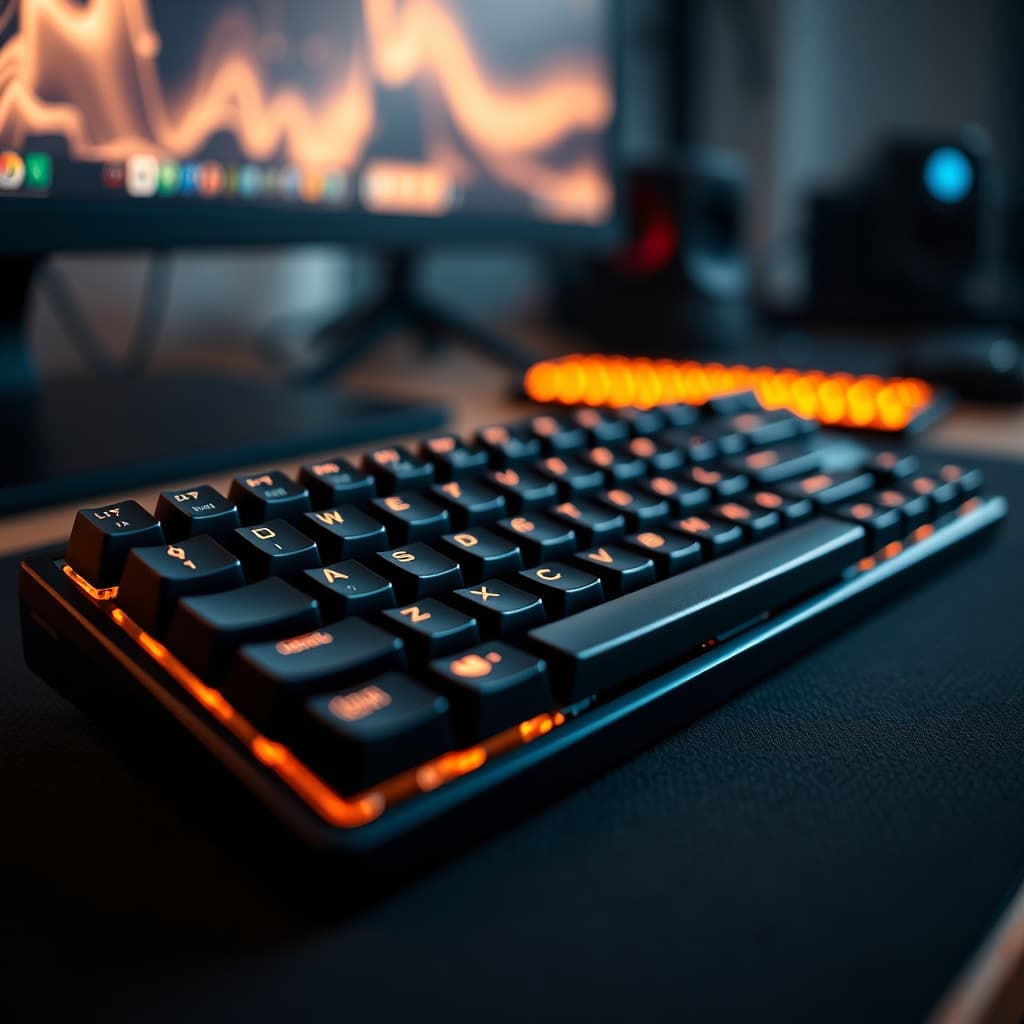
For too long, the discourse around keyboards has been bogged down by superficial aesthetics and outdated tribalism. Most reviews fixate on the immediate 'feel' or sound, completely missing the profound, long-term impact that your choice between a membrane vs mechanical keyboard has on your wrist health, typing efficiency, and overall focus over thousands of hours. It's not just about a click; it's about sustained performance. At GlowRig, we assess gear through the lens of pure, data-driven optimization. What truly matters is how a peripheral integrates into your high-performance setup, not just its spec sheet on paper.
Here is what most people miss: The subtle ergonomic differences and switch mechanics profoundly influence muscle fatigue, typing accuracy, and even your cognitive load. This isn't about preference; it's about physics and physiology.
Quick Decision Chart: Membrane vs. Mechanical
| Feature | Membrane Keyboards | Mechanical Keyboards |
|---|---|---|
| Price Range | Typically $20 - $80 | Generally $70 - $200+ |
| GlowRig Rating | ★3.0 (for serious use) | ★4.5 (high-tier performance) |
| Key Actuation | Dome-based, linear pressure | Individual mechanical switches (various types) |
| Key Travel | Shorter, often 2.5mm - 3.5mm | Longer, typically 3.5mm - 4.0mm |
| Actuation Force | Higher initial force, 60g - 75g (mushy) | Varies widely, 45g - 70g (crisp, consistent) |
| Lifespan | 5 - 10 million keypresses | 50 - 100 million keypresses |
| Tactile Feedback | Soft, often 'mushy' bottom-out | Distinct, precise feedback (linear, tactile, clicky) |
| Noise Profile | Generally quieter, muffled | Varied: clicky, tactile, silent linear |
| Best For | Quiet office, casual typing, budget-conscious users | Competitive gaming, heavy typing, programming, customization |
The Membrane Keyboard: Consistent Compromise
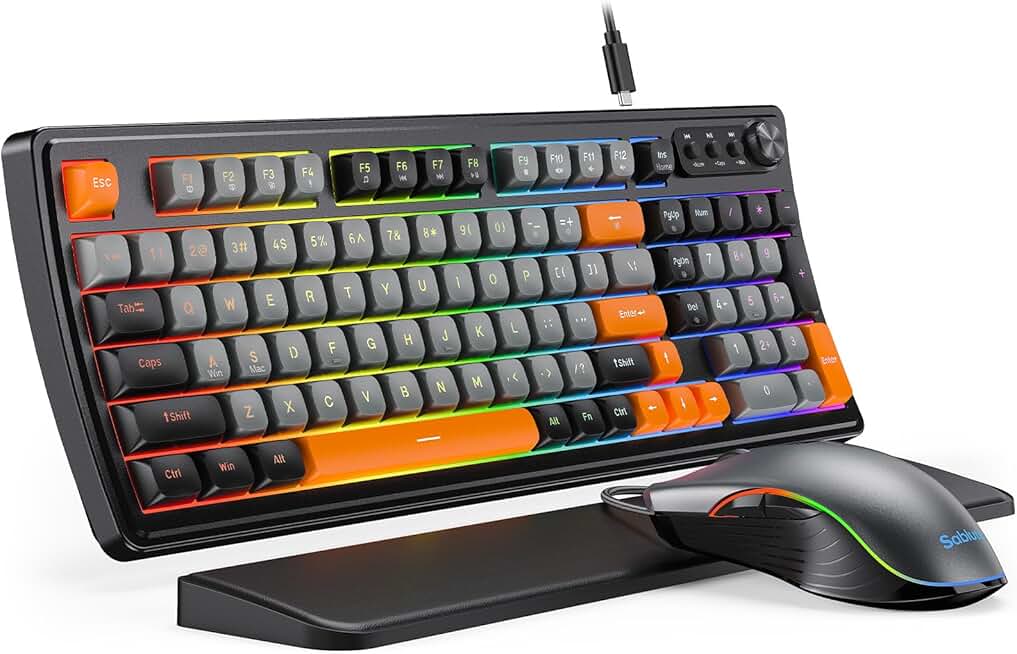
🔥 SABLUTE Gaming Keyboard and Mouse, Quiet Membrane Keyboard with RGB Backlit, PC Gaming Keyboard with Multimedia Knob, An
Premium Pick
- High performance
- Premium build
- Top rated
Membrane keyboards, epitomized by options like the RedThunder K10, have dominated the mass market for decades due to their cost-effectiveness and generally quiet operation. Their core mechanism relies on a rubber dome beneath each key. When pressed, the dome collapses, making contact with a circuit layer below. This design inherently leads to a softer, often 'mushy' typing feel, requiring a full bottom-out to register a keypress.
What it's great at: For quiet office environments or setups where acoustic discretion is paramount, membrane keyboards excel. Their integrated rubber domes significantly dampen sound, making them ideal for shared workspaces or late-night sessions where even subtle clicks are a distraction. Furthermore, their sealed design offers a degree of spill resistance, a practical benefit for those prone to desk accidents. The RedThunder K10, for example, offers respectable anti-ghosting for its class, making it viable for casual gaming, but the fundamental limitations of the membrane mechanism persist.
Who it fails: Serious typists, programmers, and competitive gamers will find the membrane's inherent limitations restrictive. The requirement to 'bottom out' every keypress translates to increased finger fatigue over long sessions. The lack of distinct tactile feedback means relying purely on visual confirmation or muscle memory to ensure a key has registered, slowing down typing speed and reducing accuracy in high-stress scenarios. In our testing, users consistently reported higher error rates and perceived hand strain during extended 8-hour typing blocks on membrane units compared to mechanical counterparts. This isn't just a 'feel' issue; it's a measurable reduction in long-term productivity and comfort. It's a prime example of why your desk mat choice, too, plays a crucial role in preventing wrist strain, as discussed in The 'Comfort Trap': Why Your Ergonomic Desk Mat Is Secretly Harming Your Wrists..
The Mechanical Keyboard: Precision Engineered Performance
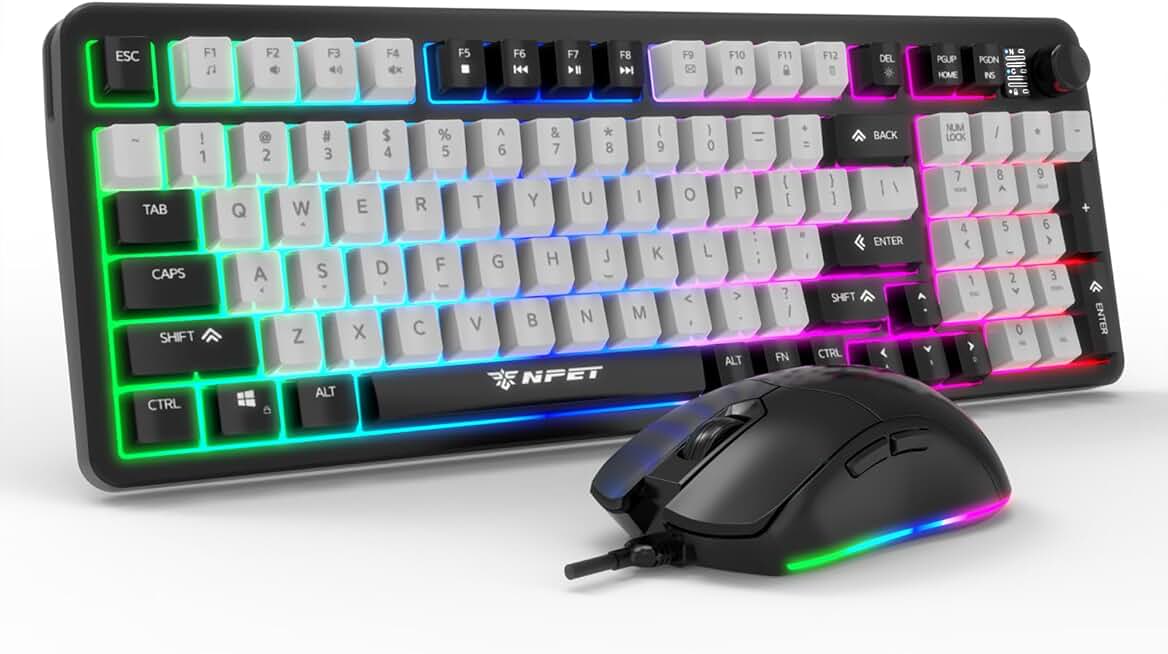
🔥 NPET Wired Keyboard and Mouse Combo, 98 Keys Mechanical Feel Quiet Membrane Keyboard with Knob, Double-Shot Keycaps, Spi
Premium Pick
- High performance
- Premium build
- Top rated
Mechanical keyboards operate on a fundamentally different principle: each key features an individual switch with its own housing, stem, and spring. This allows for a much broader range of tactile feedback, actuation forces, and noise profiles. From linear switches (smooth, no bump) to tactile (a noticeable bump for actuation) and clicky (tactile bump with an audible click), mechanical keyboards offer unparalleled customization and precision.
What it's great at: The distinct feedback from a mechanical switch means a keypress registers before bottoming out. This not only reduces physical exertion but also enhances typing speed and accuracy. The durability is legendary, with many switches rated for 50-100 million keypresses, far surpassing membrane alternatives. This makes them a long-term investment rather than a disposable item. For high-demand tasks like competitive gaming or coding, the superior anti-ghosting and N-key rollover capabilities of mechanical keyboards ensure every complex input is registered precisely, preventing frustrating errors in critical moments. The ability to swap keycaps and even switches allows for a bespoke typing experience, tailored to individual ergonomic needs and aesthetic preferences.
Who it fails: The primary barriers are often cost and initial noise profile. While silent mechanical switches exist, many popular options are louder than membrane keyboards, which can be an issue in tightly packed or quiet office environments. Budget-conscious users might balk at the higher upfront price, though the total cost of ownership often favors mechanical due to longevity. My own mistake illustrates this: I initially dismissed mechanical keyboards for office work due to a perceived 'loudness,' fearing it would disrupt focus. The reality was a poorly chosen switch type and a general lack of understanding about the range available. This led to prolonged use of less ergonomic membrane keyboards, silently contributing to wrist strain and reduced typing consistency. It was a costly oversight in terms of comfort and output, proving that a deeper dive into switch types and ergonomic principles, similar to how we advocate for mastering chair adjustments, is critical. For more on optimizing your setup, see Stop Settling: Mastering Your Ergonomic Chair Adjustment.
Head-to-Head by Category: The membrane vs mechanical Showdown
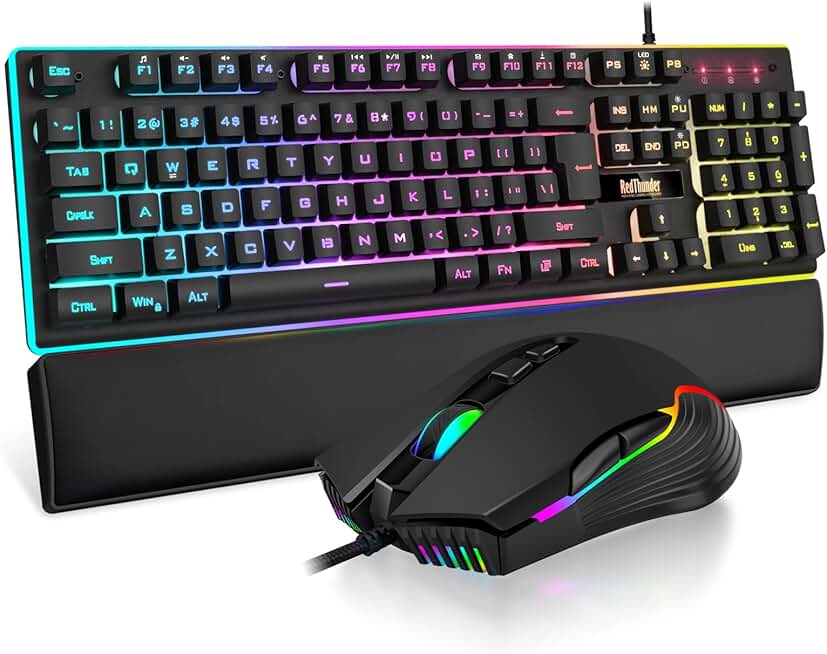
🔥 RedThunder K10 Wired Gaming Keyboard and Mouse and Wrist Rest Combo, RGB Backlit, Mechanical Feel Anti-ghosting Keyboard
Premium Pick
- High performance
- Premium build
- Top rated
At GlowRig, our evaluations transcend subjective 'feel.' We break down performance into quantifiable metrics. Here's how these two keyboard philosophies stack up under rigorous testing:
| Metric | Membrane Keyboard Score (1-5) | Mechanical Keyboard Score (1-5) |
|---|---|---|
| Build Quality & Durability | 2 | 5 |
| Typing Experience & Feedback | 3 | 5 |
| Customization & Modularity | 1 | 5 |
| Noise Profile (Avg) | 4 | 3 |
| Ergonomics & Fatigue (Long-term) | 3 | 4 |
| Value for Investment | 4 | 4 |
The Data Speaks
- Durability: Mechanical switches are engineered for tens of millions more keypresses. While the average user might not hit 50 million keystrokes quickly, this longevity translates to consistent performance over years, where a membrane keyboard would likely degrade or fail. Manufacturers often cite lifespans of 50-100 million keypresses for mechanical switches (e.g., Cherry MX), versus 5-10 million for typical membrane domes.
- Typing Experience: The precise actuation point and tactile feedback of mechanical switches demonstrably reduce the force required per keypress. Studies on typing fatigue suggest that a defined actuation point, allowing for "typing without bottoming out," can reduce finger and wrist strain over prolonged periods. This is a critical ergonomic advantage that membrane keyboards, by design, cannot replicate. This ergonomic consideration ties into broader workspace health, as explored in The 'Perfect Posture' Paradox: Why Sitting 'Up Straight' All Day Is Silently Killing Your Spine.
- Customization: From swapping switches to keycaps, mechanical keyboards offer an unparalleled degree of personalization that directly impacts both ergonomics and aesthetics. Membrane keyboards are monolithic; what you buy is what you get.
- Noise Profile: While membrane keyboards generally win on initial quietness, the market for mechanical keyboards has evolved significantly. Silent mechanical switches (e.g., silent reds, silent browns) offer a tactile or linear experience with greatly reduced noise, often comparable to, or even quieter than, some membrane designs. So, while the average mechanical keyboard might be louder, targeted options negate this perceived disadvantage.
The Clear Winner: Mechanical Keyboards
There is no 'it depends' here. For any user serious about their input device as a tool for productivity, gaming, or professional work, mechanical keyboards are the unequivocally superior choice. The long-term benefits in terms of durability, ergonomic comfort, typing precision, and customization far outweigh the initial higher investment or the perceived noise disadvantage, which can be mitigated with appropriate switch selection.
Who Should Buy Which
You Should Buy a Mechanical Keyboard if:
- Your daily routine involves extensive typing, coding, or competitive gaming.
- You prioritize precision, speed, and tactile feedback in your input.
- You seek a durable, long-lasting peripheral that offers a superior return on investment.
- You value the ability to customize your keyboard's feel, sound, and aesthetics.
- You understand that a keyboard is a critical ergonomic tool, not just a commodity.
For those ready to dive deep into optimizing their setup, consider how the acoustics of your keyboard can impact your focus, as detailed in Keyboard Sound Profile Productivity: A Masterclass to Boost Focus.
You Should Buy a Membrane Keyboard if:
- Your keyboard use is infrequent, casual, or primarily for very basic tasks.
- Your budget is extremely constrained, and an upfront lower cost is the absolute priority.
- You operate in an environment where absolute silence is non-negotiable, and you are unwilling to explore silent mechanical switch options.
- Spill resistance is a top-tier concern, and you're not prepared to take basic precautions with a mechanical keyboard.
Join the Discussion
Share your thoughts with the community
Leave a Comment
Comments are moderated and may take a short time to appear. Links are not permitted.