The Truth About Standing Desk Problems Nobody Tells You
You bought into the hype: a standing desk, a panacea for office woes. But the reality for many is a frustrating cycle of discomfort and diminished focus. We're cutting through the noise to reveal the rarely discussed, critical standing desk problems that sabotage your productivity.
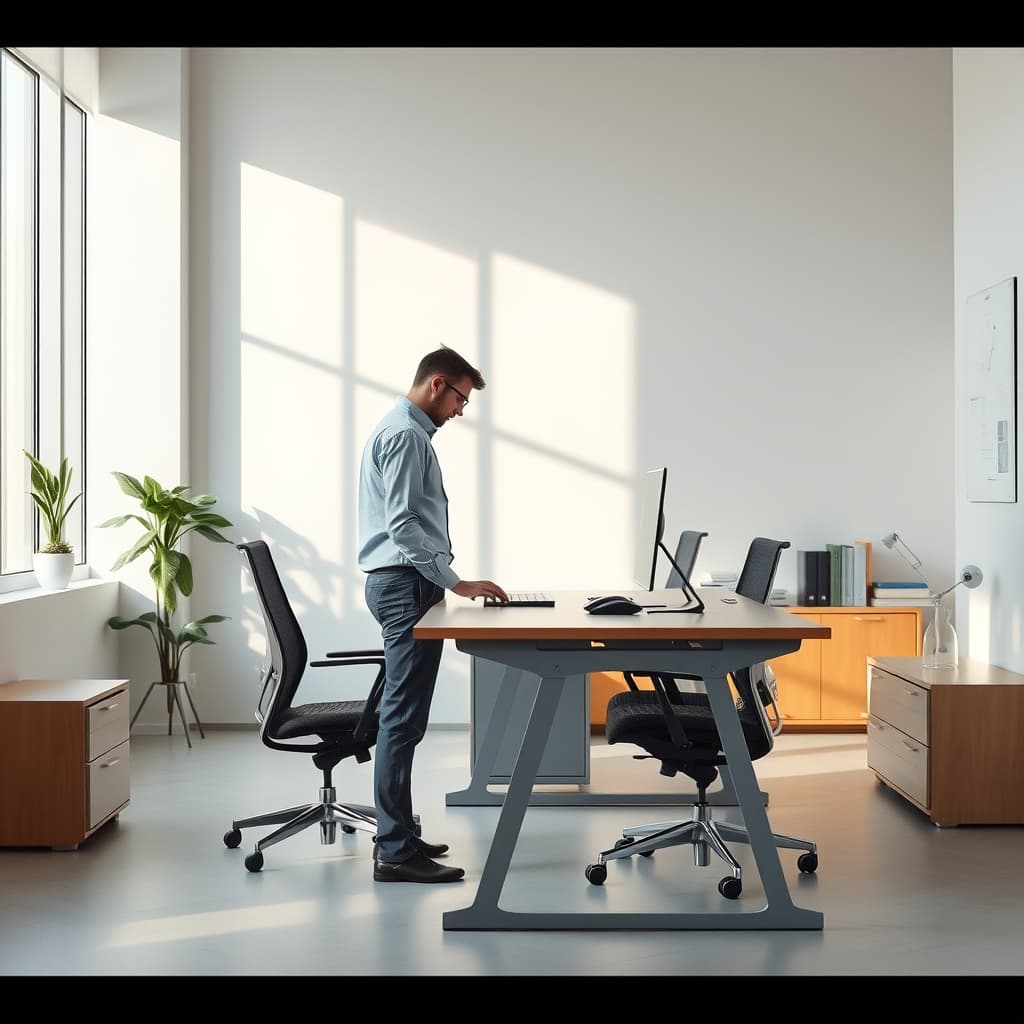
I remember the early days of standing desk evangelism. The promise was simple: stand more, feel better, boost productivity. For years, I, like many of you, bought into the allure of the adjustable workspace. But after thousands of hours of real-world use and rigorous testing within the GlowRig labs, the uncomfortable truth emerged: simply standing doesn't magically solve your ergonomic woes or productivity hurdles. In fact, for many, it introduces a whole new set of standing desk problems that are rarely discussed.
Most mainstream advice scratches the surface, focusing on basic posture or the "sit less" mantra. The reality is, optimizing a dynamic workstation is far more nuanced. We're past the point of merely advocating for height adjustment; it's time to dissect the deeper, often overlooked issues that plague even the most well-intentioned standing desk users. The core issue isn't whether you stand or sit, but how intelligently you integrate dynamic movement and setup optimization into your workflow. The conventional wisdom about standing desks often overlooks critical factors that turn a supposed ergonomic upgrade into a daily struggle.
The Unseen Standing Desk Problems Sabotaging Your Flow
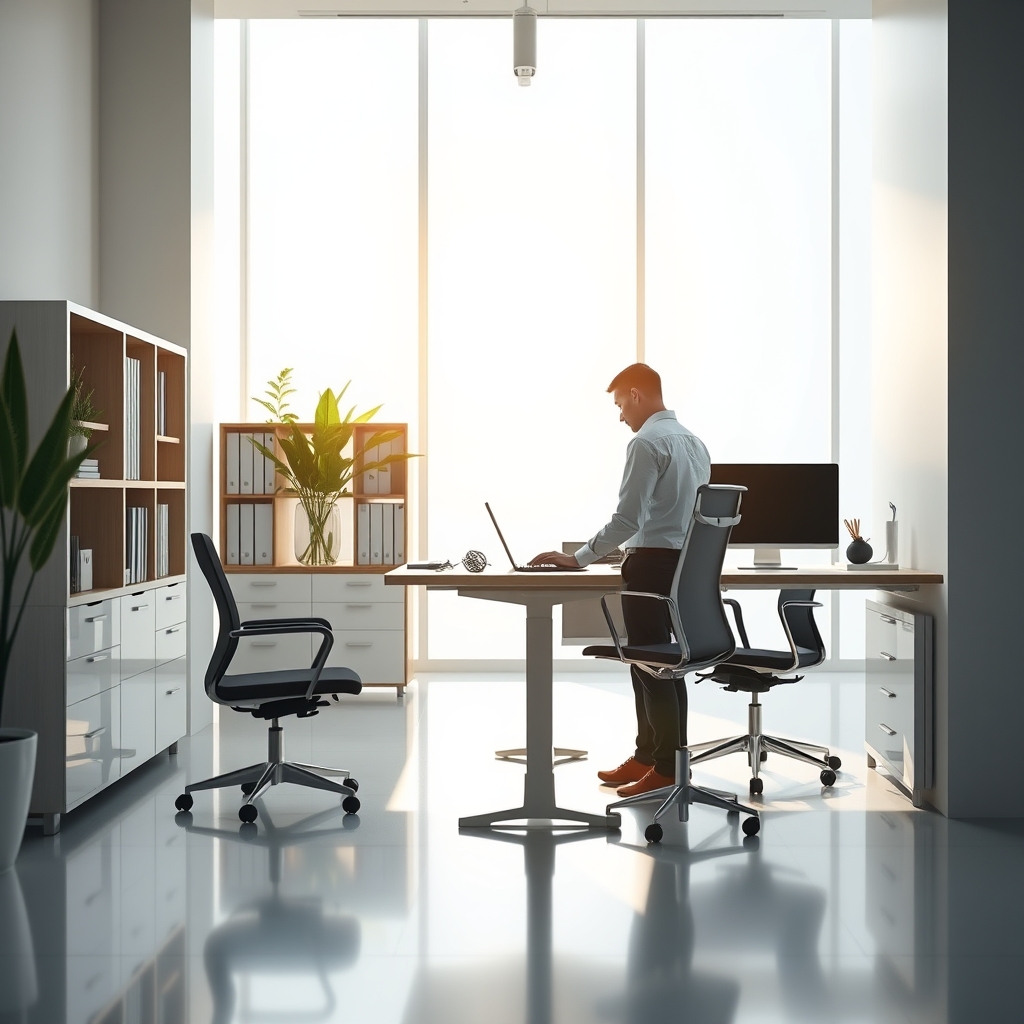
The Stability Mirage: Flex, Wobble, and Focus Decay
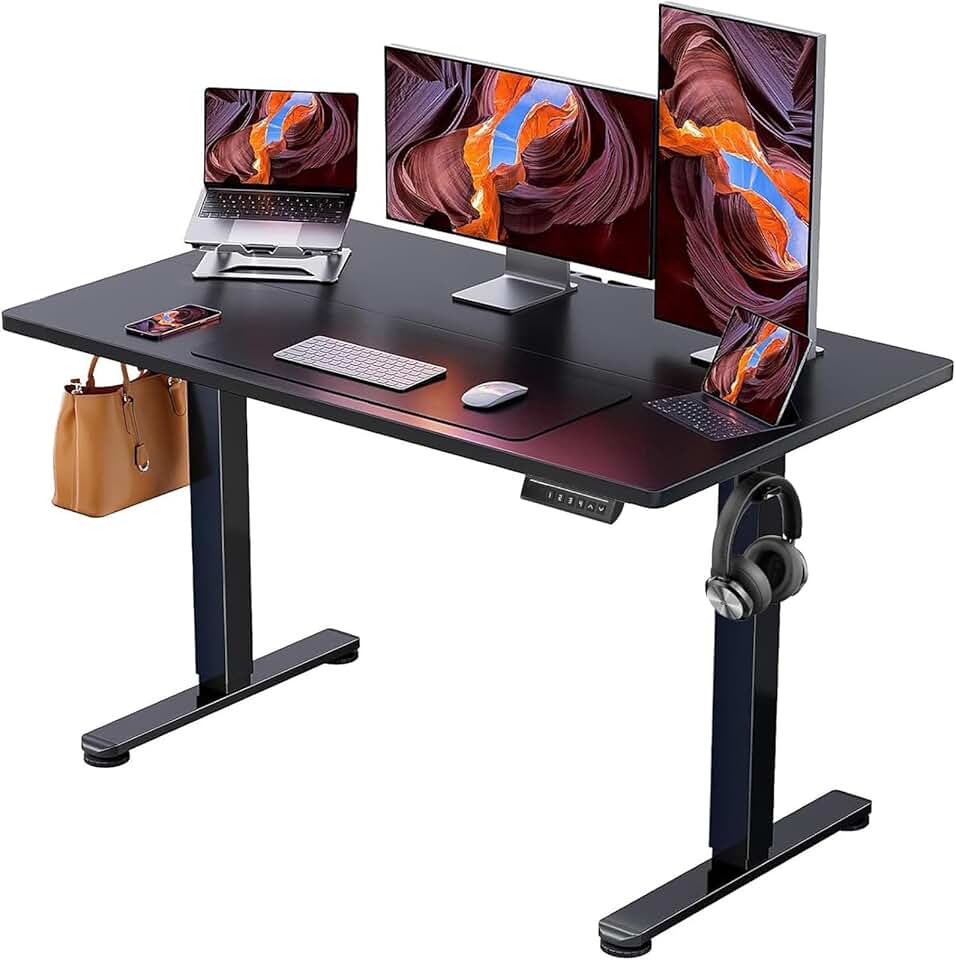
🔥 ErGear Height Adjustable Electric Standing Desk, 48 x 24 Inches Sit Stand up Desk, Memory Computer Home Office Desk, Bla
Premium Pick
- High performance
- Premium build
- Top rated
The most insidious standing desk problems often go unnoticed until they've already degraded your workflow: desk stability. Many entry-level and even some mid-range standing desks exhibit unacceptable levels of wobble, especially at higher extensions. In our testing, we've found that desks exhibiting more than 1.5-2mm of horizontal deflection at their maximum ergonomic height (typically 115-125cm for average users) introduce a noticeable impact on precision tasks. This subtle tremor, amplified by monitor arms and heavy peripherals, creates constant micro-adjustments in your vision and hand movements. It's a silent killer of focus, demanding your brain compensate for an unstable platform, draining cognitive resources you should be dedicating to deep work.
"Standing Fatigue" Is Real: More Than Just Sore Feet

The initial excitement of standing often gives way to generalized fatigue. This isn't just about sore feet; prolonged static standing can lead to lower back pain, joint stiffness, and even diminished circulation. OSHA (Occupational Safety and Health Administration) guidelines for jobs requiring prolonged standing emphasize the importance of frequent changes in posture, rest breaks, and the use of anti-fatigue mats. The myth that simply standing for hours on end is inherently healthier than sitting is dangerous. Your body craves dynamic movement, not a prolonged, static upright position that can be as detrimental as static sitting.
This is why we've explored the broader implications of movement and focus in articles like "The 'Comfort' Deception: Why Standing Is Not The Ultimate Deep Work Hack", challenging the notion that standing is a singular solution.
Workflow Disruption: The Cable Management Nightmare
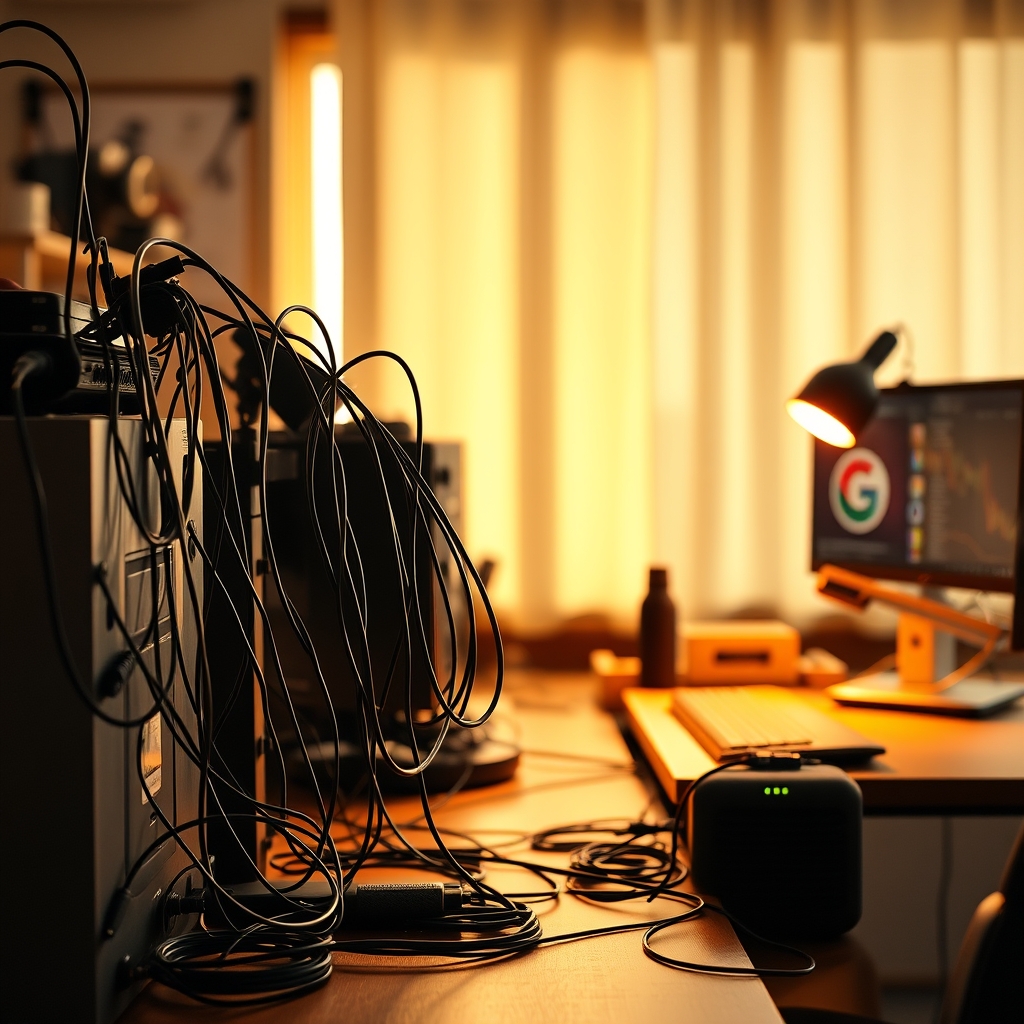
Height adjustability, while a core feature, introduces a significant challenge: cable management. As your desk moves, so do your cables. Without proper routing, this results in strained connectors, tangled wires, and the constant risk of snagging or disconnecting vital equipment. The 'swinging bridge' effect of poorly managed cables can be a constant visual distraction and a physical hazard, turning what should be a smooth transition between postures into a frustrating ordeal. True productivity demands seamless transitions, not a wrestling match with your peripheral connections.
Myth-Busting: The "Stand-All-Day" Deception
The most pervasive myth surrounding standing desks is the idea that you should strive to stand for as many hours as possible. This is fundamentally flawed. Your body thrives on variety and movement, not prolonged static positions. The goal isn't to replace eight hours of sitting with eight hours of standing; it's to integrate dynamic changes throughout your workday. Optimal use involves alternating between sitting and standing, typically in 20-30 minute standing intervals followed by 30-40 minutes of sitting. This ensures adequate blood flow, reduces muscle fatigue, and supports sustained focus. For a deeper dive into optimizing your sit-stand routine, revisit our insights on the actual health implications of prolonged static postures.
Practical Tips for Conquering Standing Desk Problems
To transform your adjustable desk from a source of frustration into a productivity powerhouse, consider these actionable steps:
- Prioritize Stability: When investing, look for desks with dual-motor lifting systems and robust, multi-stage column construction. Specs like a minimal deflection rating (under 1mm) at full extension are crucial. Avoid desks that feel flimsy or shake under the weight of your monitors and arms.
- Embrace Dynamic Movement: Schedule your sit-stand transitions. Use a timer or a smart desk reminder to alternate between sitting and standing every 30-60 minutes. Your body benefits most from frequent, subtle changes, not rigid, prolonged positions.
- Master Cable Management: For dynamic setups, cable management is non-negotiable. Utilize integrated cable trays, flexible cable sleeves, and monitor arms with built-in cable routing channels. This ensures your setup remains clean and functional, regardless of height. You can achieve true deep work with proper cable management that unlocks focus.
- Invest in Crucial Peripherals: A high-quality anti-fatigue mat is essential for standing comfort, distributing pressure and encouraging micro-movements. Ergonomic keyboards and mice that accommodate both sitting and standing postures will minimize strain. For the sitting portion of your day, ensure your ergonomic chair is perfectly dialed in, as we outlined in our guide on mastering ergonomic chair adjustments.
- Reconsider Your Desk's Core Features: Before committing, assess if your desk actually supports your workflow. For instance, many users overlook fundamental aspects, as discussed in "The 'Perfect' Standing Desk Myth: 3 Features You Think You Need."
Mistakes to Avoid
One of my biggest early mistakes was underestimating the impact of desk stability. I initially opted for a basic single-motor standing desk, rationalizing it as 'good enough' for my coding and content creation. The constant micro-wobble, particularly during video calls or precision editing tasks, was a subtle but relentless drain on my focus. I'd instinctively lean away from the desk during typing to prevent my webcam feed from showing slight jitters. It wasn't just physical discomfort; it was a constant mental tax, a friction point that subtly eroded my productivity and even my perception of professionalism on calls. Don't make the same mistake. Your desk is the foundation of your digital craft; demand unwavering stability.
Avoid these common pitfalls:
- Neglecting an Anti-Fatigue Mat: Standing directly on a hard floor for extended periods will lead to discomfort, regardless of your posture.
- Ignoring Peripherals for Height Changes: Ensure your monitor arm, keyboard, and mouse are positioned correctly for both sitting and standing postures. A desk that moves but forces you into an awkward reach defeats the purpose.
- Over-relying on Standing as a Fix-All: A standing desk won't compensate for a generally sedentary lifestyle or poor ergonomics elsewhere. It's one tool in a comprehensive approach to health and productivity.
Final Verdict
The standing desk, when implemented intelligently, is an invaluable tool for enhancing dynamic movement and combating the sedentary nature of modern work. However, blindly embracing the concept without addressing its inherent standing desk problems leads to frustration, discomfort, and diminished returns. Focus on stability, dynamic movement, meticulous cable management, and high-quality accessories. A standing desk is a tool for dynamic work, not a magic bullet. Treat it as such, and you'll unlock its true potential. Ignore the nuances, and you'll perpetuate the very issues you sought to escape.
Frequently Asked Questions
Are standing desks worth it?
Yes, standing desks are worth it, but only when used correctly and intelligently. Their value lies in enabling dynamic movement throughout the workday, reducing prolonged static postures. Simply standing for hours is not the goal; alternating between sitting and standing, typically every 30-60 minutes, is key to maximizing benefits and avoiding common pitfalls like fatigue and stability issues.
How long should I stand at a standing desk?
Optimal usage involves alternating between sitting and standing throughout the day. Experts generally recommend standing for 20-30 minutes for every 30-40 minutes of sitting. The key is frequent changes in posture, rather than prolonged static standing, to promote circulation and prevent fatigue.
What's the best way to prevent standing fatigue?
To prevent standing fatigue, prioritize dynamic movement by alternating between sitting and standing. Invest in a high-quality anti-fatigue mat to cushion your feet and encourage subtle shifts in posture. Ensure your standing posture is ergonomically sound, and take short breaks to move away from your desk and stretch.
Do I still need an ergonomic chair with a standing desk?
Absolutely. A standing desk complements, but does not replace, the need for an excellent ergonomic chair. You will still spend a significant portion of your workday sitting, and a properly adjusted ergonomic chair is crucial for maintaining good posture and comfort during those periods. The goal is dynamic movement, meaning you need optimal support in both standing and sitting postures.
Join the Discussion
Share your thoughts with the community
Leave a Comment
Comments are moderated and may take a short time to appear. Links are not permitted.