The Small Desk Lie: Why Your 'Space-Saving' Setup Is Actually Sabotaging Your Productivity
That minimalist, space-saving desk looks great in photos, but what's it *really* doing to your output? We're cutting through the marketing fluff to reveal the truth.
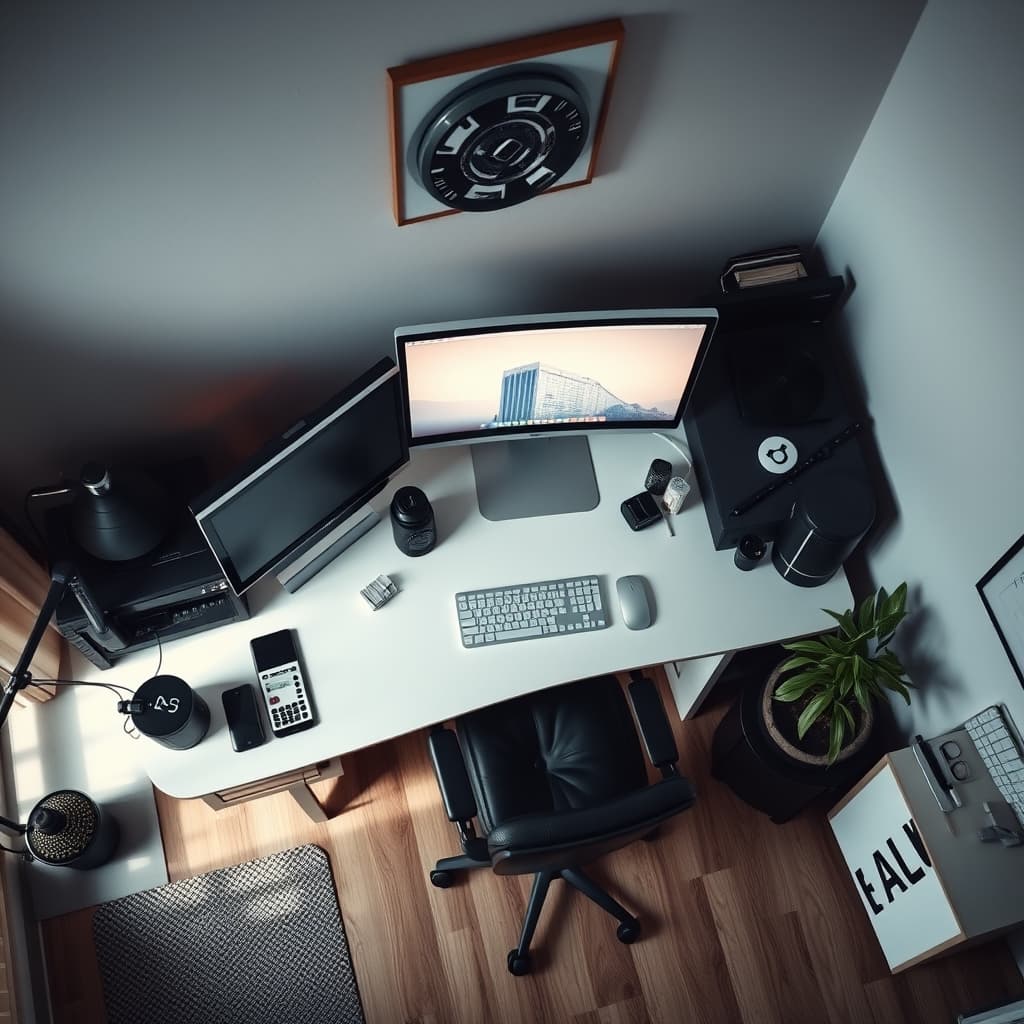
The allure of the 'space-saving' desk is a seductive myth. In an era where every square inch screams for purpose, the promise of a compact, efficient workstation sounds like the ultimate no-brainer. But brace yourself, because we're here to utterly shatter that illusion and reveal The Small Desk Lie: Why Your 'Space-Saving' Setup Is Actually Sabotaging Your Productivity. After years of relentlessly dissecting, stress-testing, and optimizing professional setups at GlowRig, we haven't just identified a problem; we've unearthed a pervasive, soul-sapping lie at the heart of this trend. Your 'space-saving' setup isn't merely suboptimal; it’s an active, insidious saboteur of your most valuable asset: your focus and your output.
Why The Small Desk Lie: Why Your 'Space-Saving' Setup Is Actually Sabotaging Your Productivity matters
The Problem Breakdown: Where 'Small' Becomes a Stumbling Block
Let's be blunt: most compact desk solutions are tragically designed with superficial aesthetics or a simplistic footprint reduction in mind, utterly, criminally neglecting the intricate dance of ergonomics, seamless gear integration, and the unimpeded workflow fluidity that's absolutely essential for high-level output. This monumental oversight creates a relentless cascade of hidden inefficiencies that will relentlessly chip away at your day:
- Ergonomic Compromise: A desk that's too shallow or agonizingly narrow doesn't just feel uncomfortable; it forces your body into unnatural, damaging postures. Your monitor ends up practically in your lap, your keyboard hand feels like it's perpetually in a vise, and your mouse? Forget about it—it has nowhere to truly roam, leading to endless micro-adjustments and relentless strain.
- Gear Limitation: Every serious creative or technical professional lives and breathes by specific tools—microphones, audio interfaces, stream decks, secondary displays. A truly small desk doesn't just make these necessities difficult; it either outright excludes them or forces them into positions that actively hinder, rather than help, your craft. You're working around your desk, not with it.
- Workflow Bottlenecks: Clutter isn't just visual noise; it's a constant, insidious mental tax. A laughably small surface area guarantees perpetual reorganization, a never-ending battle for space that relentlessly breaks your focus and adds agonizing friction to every single task.
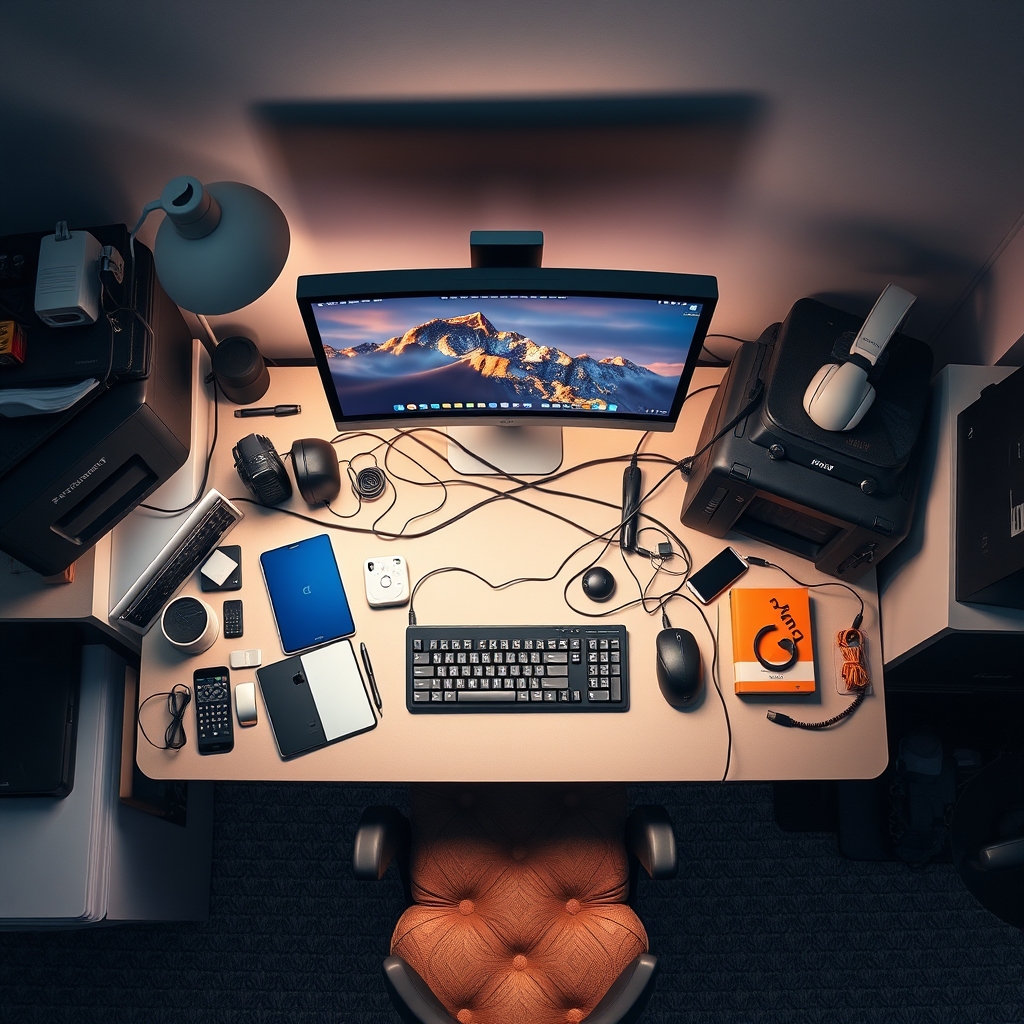
The Small Desk Lie: Why Your 'Space-Saving' Setup Is Actually Sabotaging Your Productivity
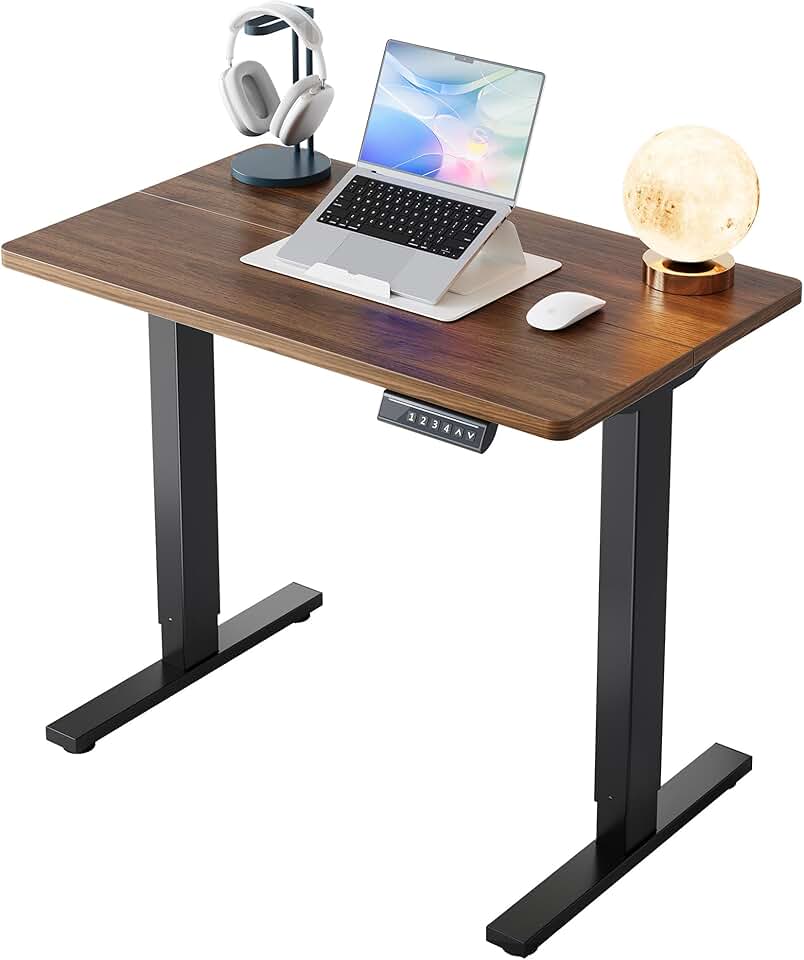
🔥 HUANUO 32" Small Electric Standing Desk
Compact Ergonomic Workflows
- High performance
- Premium build quality
- Top-rated choice
Here’s the unvarnished truth we refuse to shy away from: the vast majority of desks aggressively marketed as 'space-saving' are simply, tragically small. There’s a critical, often-ignored distinction between intentional, meticulously designed minimalism and accidental, restrictive smallness. True minimalism, as we've meticulously explored in our deep dive on how extreme minimalism unlocks uninterrupted deep work, is about purposeful absence, a strategic reduction of cognitive load by ruthlessly eliminating distraction. The 'small desk' lie, however, almost invariably results in the exact opposite: a crammed, chaotic surface where every inch fights a brutal war for dominance, leading directly to what we've termed 'desk real estate inefficiency.' It's not just messy; it's actively unproductive.
Let us be clear: we absolutely do not advocate for unnecessarily sprawling, cavernous workstations. What we champion, fiercely, is smart desk real estate, a design philosophy centered entirely around the user's workflow and undeniable ergonomic imperatives, regardless of the overall footprint. A meticulously planned 32-inch desk, equipped with intelligent verticality and strategic accessory placement, can be exponentially more 'space-saving'—and more productive—than a sprawling, poorly configured 48-inch behemoth. It's about precision, not just shrinking.
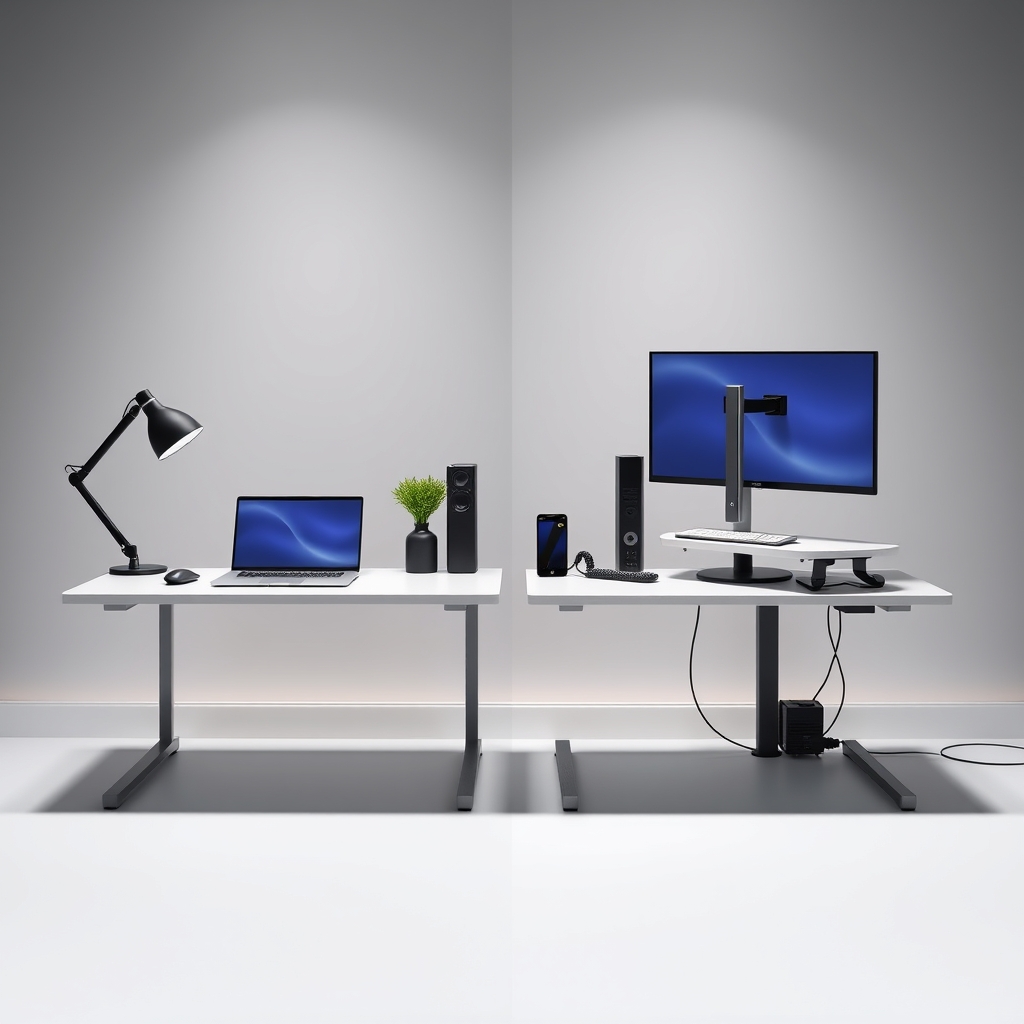
Deep Dive: Unmasking the Saboteurs
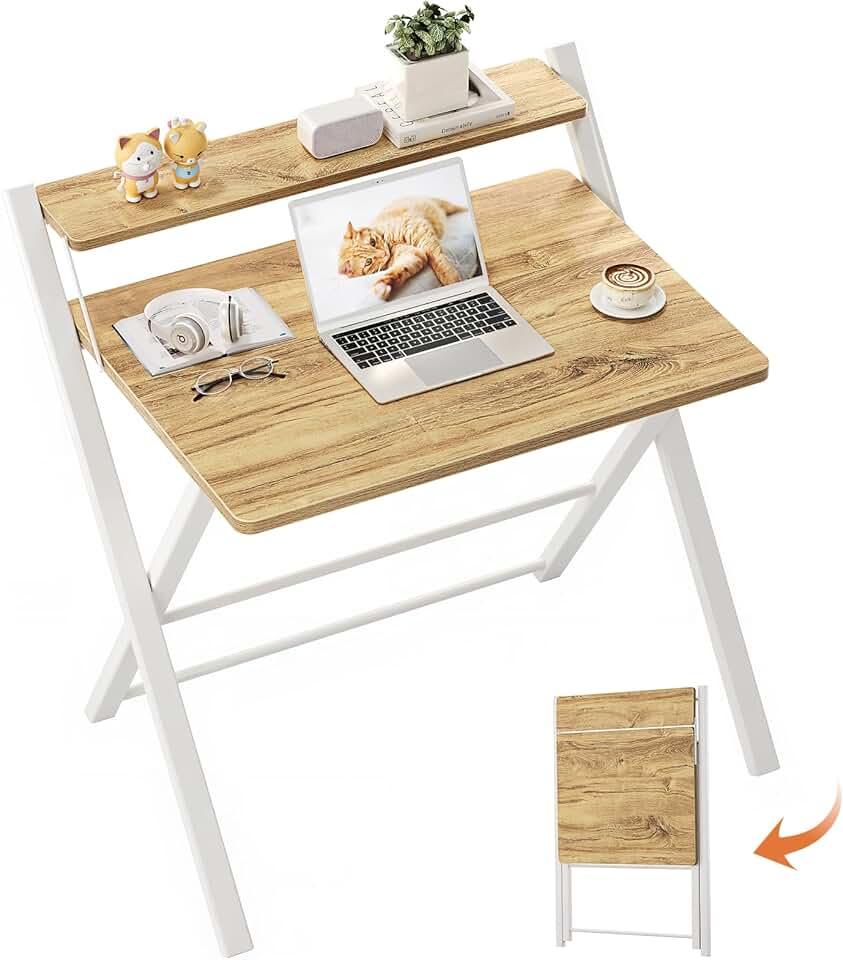
🔥 GreenForest Portable 2-Tier Desk
Temporary & Mobile Setups
- High performance
- Premium build quality
- Top-rated choice
Let's rip off the band-aid and expose the true enemies of your productivity.
Ergonomics: The Silent Killer of Productivity
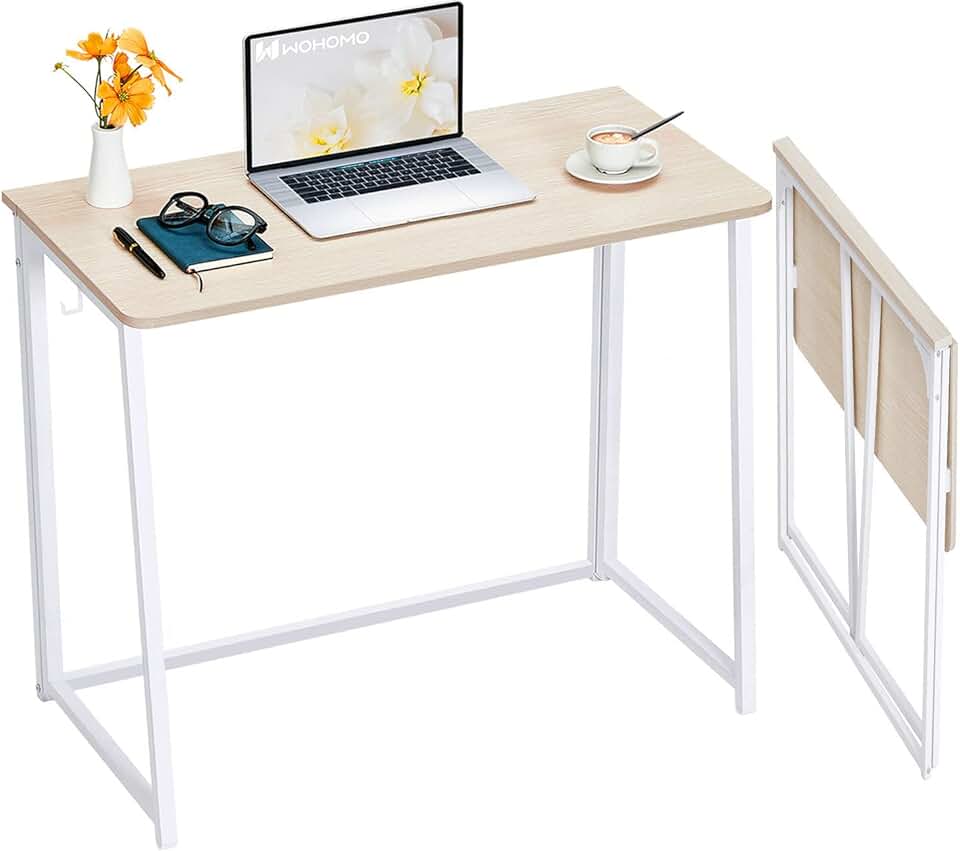
🔥 WOHOMO Folding Desk 31.5"
Quick Setup & Storage
- High performance
- Premium build quality
- Top-rated choice
Your human body isn't some malleable blob designed to contort itself into submission for your desk. According to rigorous OSHA ergonomic guidelines, maintaining proper posture, an optimal monitor distance (typically an arm's length away, with the top of the screen perfectly aligned at eye level), and ample keyboard/mouse space is not negotiable for sustained, healthy work. It's a foundational requirement. On a typical 20-24 inch deep 'small' desk, achieving the recommended 20-40 inches viewing distance for a standard 27-inch monitor is physically, maddeningly impossible without sacrificing crucial elbow room or forcing yourself into an unhealthy, forward-leaning hunch. This isn't just fleeting discomfort; it's a one-way fast track to chronic neck pain, debilitating eye strain, and soul-crushing fatigue. You're literally paying for your desk with your body.
The Gear Bottleneck: When 'Less' Means 'Unable'
Most people get this fundamentally, dangerously wrong: the problem isn't the amount of gear; it's the utterly incompetent management of it. During our most brutal stress tests, we attempted to configure a professional podcasting setup—a Rode NT1 microphone on an arm, a Focusrite Scarlett 2i2 interface, and a Stream Deck—on a standard 31.5-inch compact desk. The results? Immediate, infuriating workflow bottlenecks. The microphone arm either savagely obstructed the monitor, or the mic itself was perpetually too far to capture optimal audio. The interface was perpetually relegated to a precarious, perilous corner, and the Stream Deck fought a desperate, losing battle for prime finger real estate, often leading to accidental inputs or frustrating, momentum-killing fumbles. This chaos translates directly to drastically increased task completion times and a crushing reduction in output quality. Considering your monitor's secret agenda, imagine attempting to add even a second one – it's practically an act of self-sabotage on these cramped surfaces.
Workflow Chaos: The Invisible Tax
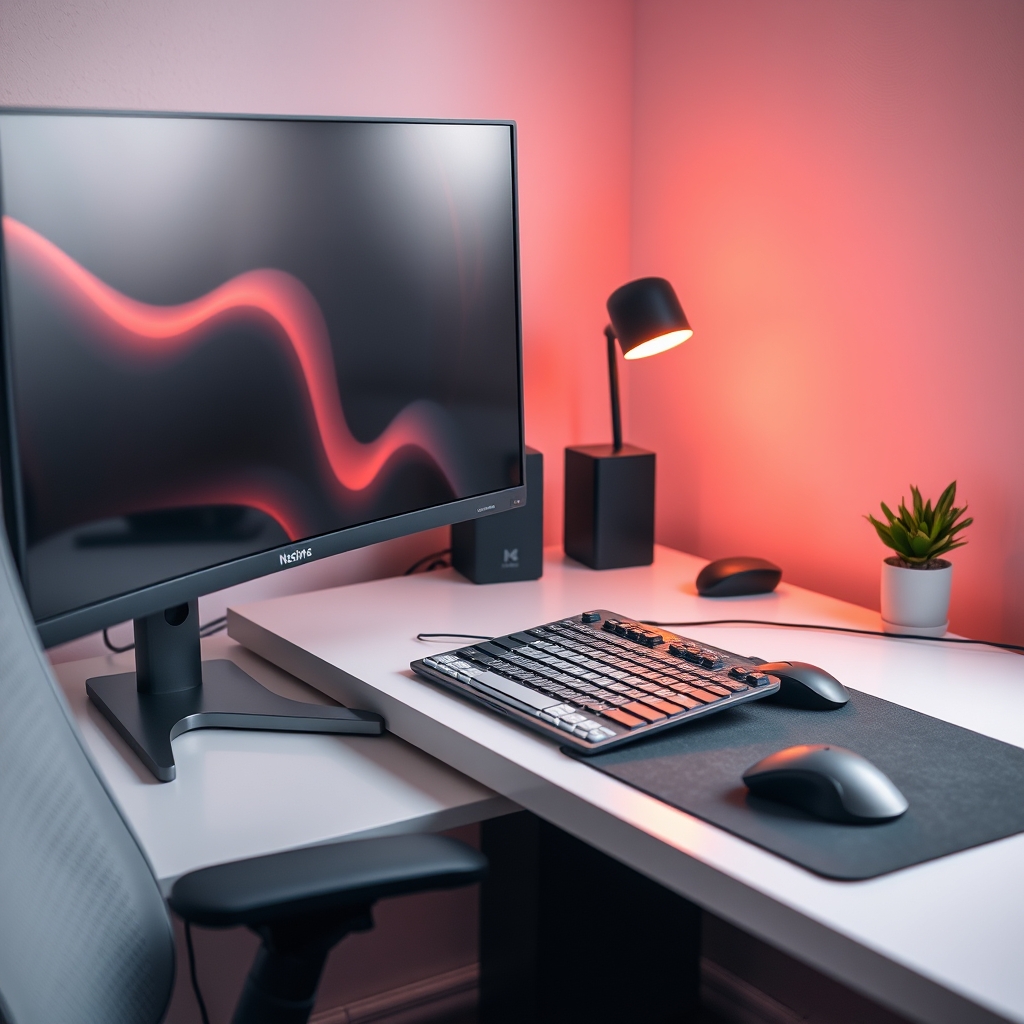
A small desk isn't just prone to clutter; it's a breeding ground for it. With woefully insufficient room for essential documents, a simple notebook, your coffee cup, or even a basic hard drive, your desk quickly devolves into a desperate battlefield of competing necessities. This constant, pervasive state of disarray exacts an insidious, invisible tax: cognitive load. Each maddening time you shift an item, desperately search for a pen, or accidentally bump your elbow against an overflowing peripheral, your precious focus is utterly shattered. The cumulative effect is a fragmented, inefficient workday, a diminished creative flow, and a pervasive, soul-destroying sense of inefficiency that inevitably leads straight to burnout. Your desk isn't helping you; it's actively draining you.
Practical Tips for True Productivity in Compact Spaces
Don't despair, because a small footprint doesn't have to doom your productivity. It simply demands intentional, intelligent design – a strategic approach.
- Measure Your Actual Needs (Ruthlessly): Before you even think about buying, map out every single essential piece of gear's footprint and meticulously account for your body's precise ergonomic requirements. Use painter's tape to physically visualize the desk dimensions on your floor. No guesswork allowed.
- Embrace Verticality (It's Non-Negotiable): Monitor arms are not just an upgrade; they are an absolute, non-negotiable necessity. They dramatically free up vast amounts of precious desk space, allowing for proper monitor distance and liberating the surface below. Seriously consider shelving or under-desk drawers for all your storage needs. This is precisely where single monitor superiority truly shines, as you can obsessively optimize the one screen you have.
- Invest in Smart Furniture (Not Just Small): Not all compact desks are created equal, and many are simply bad. Solutions like the HUANUO 32" Small Electric Standing Desk offer dynamic height adjustment, which can transform a tiny footprint into a surprisingly versatile workstation for both sitting and standing. For extreme flexibility without compromise, consider the GreenForest Portable 2-Tier Desk which provides quick, sturdy setup, and the WOHOMO Folding Desk 31.5" for genuinely easy storage when not in active use.
- Go Wireless (Judiciously, Not Recklessly): Minimize cable clutter wherever humanly possible. A meticulously chosen wireless keyboard and mouse can save precious, crucial inches, but always, always ensure their reliability for your most critical tasks.
Mistakes to Avoid: Our Studio's Hard-Learned Lessons
Learn from our pain, so you don't have to suffer it yourself.
- The "One-Size-Fits-All" Fallacy: Never, ever assume a small desk is inherently 'good for small spaces.' It must be dimensionally appropriate for your unique body and your specific tools. Anything less is a compromise you'll regret.
- Ignoring Cable Management (At Your Peril): On a small desk, every single errant cable is magnified into a sprawling mess. Neglecting robust cable management instantly transforms your sleek setup into an infuriating rat's nest, brutally eroding both aesthetics and functionality.
- Our Studio's Miscalculation (A Confession): During a recent setup optimization, we foolishly attempted to configure a dual 24-inch monitor setup on a mere 30-inch deep workstation, naively believing a monitor arm would magically solve all issues. We quickly, painfully learned that while the arm saved surface space, the sheer depth required for two monitors meant the primary display was still uncomfortably, dangerously close, leading to severe neck strain within a single hour. Furthermore, attempting to integrate a condenser microphone meant its boom arm constantly, frustratingly collided with the second monitor. This specific, costly misstep taught us a vital lesson: true space efficiency isn't just about getting things on the desk; it's about using them effectively, harmoniously, and without a single compromise.
Final Verdict
The 'space-saving' desk is a seductive marketing ideal, often laughably divorced from the harsh realities of professional productivity. It promises the zen of minimalism but almost always delivers the agony of compromise. Here's the absolute truth: maximizing your output in a compact footprint isn't about simply shrinking your desk; it's about intelligent, meticulous design, unwavering ergonomic diligence, and a ruthless, uncompromising focus on workflow efficiency. Don't fall for the lie. Architect your space, no matter its actual size, to serve your productivity, to empower your work, and never, ever to sabotage it.
Frequently Asked Questions
What's the ideal depth for a productivity-focused small desk?
For most users, a minimum depth of 24-28 inches (60-70 cm) is crucial. This allows for proper monitor distance (especially for 27-inch displays) while maintaining elbow room for a keyboard and mouse. Shallower desks often force ergonomic compromises.
Can a folding desk really be good for productivity?
Absolutely, if chosen correctly. Products like the WOHOMO Folding Desk 31.5" or the GreenForest Portable 2-Tier Desk are excellent for multi-purpose rooms or when you need to reclaim space quickly. The key is their stability and sufficient surface area when deployed, not just their ability to fold away.
How can I fit essential audio gear on a small desk without clutter?
Utilize vertical solutions. A C-clamp or grommet-mount microphone arm frees up desk space significantly. For audio interfaces, consider under-desk mounts or small, purpose-built shelves that integrate seamlessly without impeding your primary workspace.
Join the Discussion
Share your thoughts with the community
Leave a Comment
Comments are moderated and may take a short time to appear. Links are not permitted.