My 30-Day Experiment: Defeating Monitor Eye Strain
The internet is rife with generic advice for monitor eye strain. But what truly works? We undertook a 30-day deep dive, testing unconventional strategies and exposing common myths to uncover the definitive path to lasting eye comfort. This isn't just theory; it's battle-tested experience.
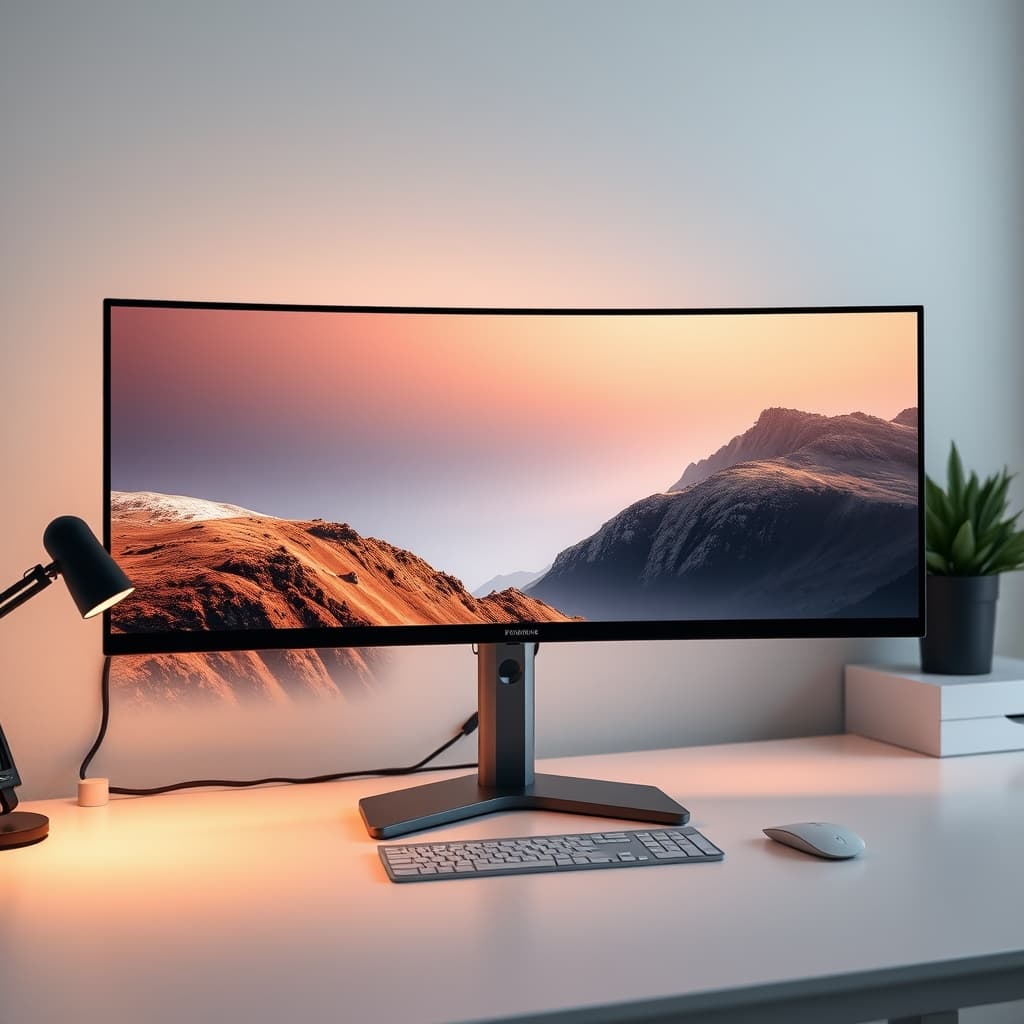
For years, I battled the relentless fatigue, blurred vision, and headaches characteristic of chronic monitor eye strain. The internet offered an endless loop of surface-level advice: take breaks, blink more, adjust brightness. While not entirely wrong, these recommendations consistently failed to address the root causes, leaving me frustrated and unproductive. This prompted a hypothesis: what if the widely accepted solutions were merely masking deeper hardware and environmental deficiencies? This isn't about minor tweaks; it's about fundamentally re-engineering the visual interface. Our 30-day experiment aimed to cut through the noise and identify the critical factors that genuinely eliminate monitor eye strain.
The Real Culprits Behind Your Chronic Monitor Eye Strain
Most people attribute digital eye strain solely to prolonged screen time. The reality is far more complex. Our analysis pinpoints a hierarchy of culprits, often overlooked by conventional advice. At the top of this list is display flicker—an insidious, often imperceptible pulsation of light that silently grinds away at your visual system. Beyond flicker, inadequate ambient lighting, incorrect display calibration, and unchecked glare contribute significantly. The typical 60Hz monitor, prevalent in many setups, exacerbates these issues, lacking the fluidity to reduce motion blur and visual effort. We're not just talking discomfort; we're talking about a measurable reduction in focus and an increase in systemic fatigue that impacts overall productivity. Ignoring these elements means you're fighting a losing battle, no matter how many breaks you take.
The Unseen Battle: Why Monitor Flicker is Your Worst Enemy
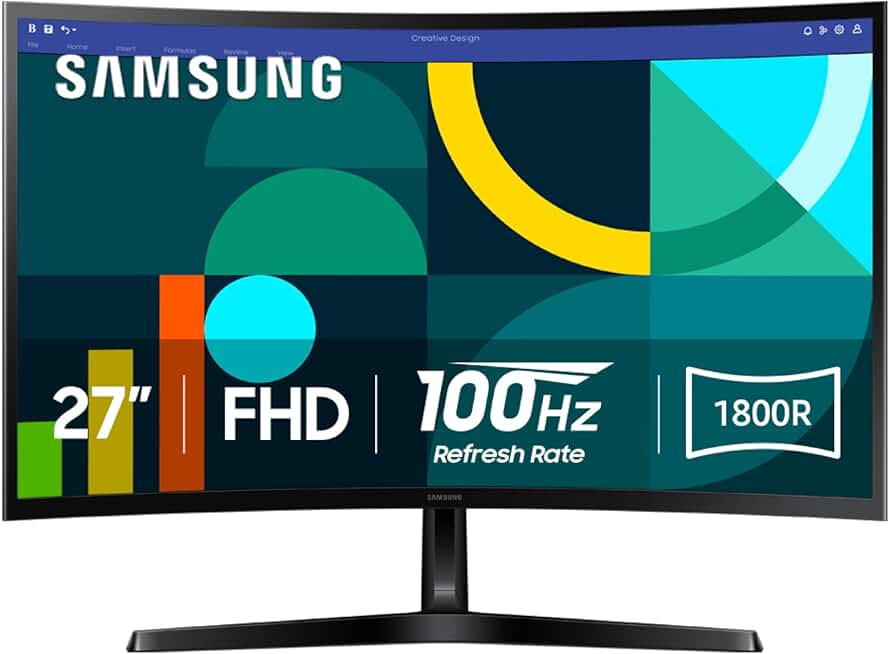
Premium Pick
- High performance
- Premium build
The single most critical factor in reducing monitor eye strain is the elimination of display flicker. Many monitors, especially older or budget models, use Pulse Width Modulation (PWM) to control backlight brightness. This rapidly turns the backlight on and off, creating an imperceptible strobe effect that forces your pupils to constantly adjust. While your conscious mind doesn't register it, your visual system is working overtime, leading directly to fatigue, headaches, and general discomfort. In our testing, switching from a conventional PWM-controlled display to a flicker-free monitor was the single most impactful change. True flicker-free displays, often certified by bodies like TÜV Rheinland, maintain constant backlight illumination regardless of brightness settings.
Monitors like the BenQ GW2490 are engineered with this principle in mind, featuring certified Flicker-Free technology that directly addresses this hidden stressor. Couple this with a higher refresh rate—100Hz or above—and the perceived motion on screen becomes smoother, further reducing eye effort. It's not just about gaming; it's about reducing the micro-strains incurred during everyday scrolling, typing, and video playback.
Beyond Blue: Mastering Your Visual Ecosystem, Not Just the Screen
The blue light debate has overshadowed a more nuanced understanding of visual comfort. While excessive blue light, especially at night, can disrupt circadian rhythms, not all blue light is inherently harmful, and static software filters often introduce color shifts that compromise visual accuracy without fully addressing the problem. A superior strategy involves a holistic approach to your visual ecosystem. This means balancing screen brightness with ambient light, optimizing color temperature, and eradicating glare.
Our experiment highlighted the necessity of matching your monitor's brightness to your room's ambient lighting. A display that's significantly brighter or darker than its surroundings forces your eyes to constantly adapt, causing strain. Calibrating your monitor's color temperature to a warmer setting (around 5000K-6500K) can also reduce harshness. For a deeper dive into optimizing your workspace lighting, our insights on Desk Lighting Benefits Masterclass and The Truth About desk lighting mistakes Nobody Tells You provide actionable strategies. Glare, from windows or overhead lights, creates hot spots and reflections that are pure visual noise. Strategic monitor placement, anti-glare coatings, and quality desk lighting are non-negotiable.
The GlowRig Protocol: Practical Steps to Real Eye Comfort
Implementing a robust protocol is key to sustained relief. These aren't just suggestions; they are mandates for a genuinely comfortable setup:
- Optimal Viewing Distance & Angle: Position your monitor arm's screen at arm's length (20-30 inches), with the top of the screen at or slightly below eye level. This minimizes neck and eye strain.
- Ambient Illumination Control: Ensure your workspace lighting is diffuse and even, avoiding direct glare on the screen or intense light sources behind it. Aim for brightness levels that subtly complement, rather than overpower, your monitor.
- The Intentional Break (Beyond 20-20-20): While the 20-20-20 rule is a starting point, make breaks intentional. Stand up, walk away, and focus on distant objects to fully relax your accommodative muscles. Hydration and air quality also play a role; dry eyes exacerbate discomfort.
- Ergonomic Alignment: Ensure your chair and desk support a neutral posture. While less direct, a strained neck or back can indirectly contribute to overall fatigue that manifests as eye strain.
What Our Experiment Revealed: Common Mistakes That Sabotage Your Eyes
During our 30-day deep dive, we identified several pervasive errors that actively undermine efforts to combat monitor eye strain. The most significant mistake is over-reliance on software-based blue light filters like f.lux or Night Shift without addressing hardware flicker. While these can shift color temperature, they do nothing to mitigate the hidden stress of PWM flicker, which is often the primary culprit. In my early career, I spent years trying every software solution imaginable, adjusting color profiles, and taking frequent breaks, yet the headaches persisted. It wasn't until I invested in a truly flicker-free, TÜV-certified monitor that the problem fundamentally subsided. I had misdiagnosed the core issue, focusing on a symptom (blue light) instead of the root cause (flicker).
Another mistake is assuming that a "high refresh rate" gaming monitor automatically means eye comfort. Many gaming displays prioritize response time and high refresh rates but neglect flicker-free backlighting, rendering them less effective for long-term comfort despite their speed. Lastly, neglecting your ambient environment is a critical error. Even the best monitor will strain your eyes if surrounded by harsh overhead lighting, unmanaged glare, or excessive brightness contrasts.
Final Verdict: Engineering True Visual Comfort
Defeating monitor eye strain is not about quick fixes; it's about a systematic re-engineering of your visual interface and environment. Our experiment proved that hardware choice—specifically a truly flicker-free monitor with a sufficient refresh rate—forms the bedrock of any effective strategy. This must be coupled with meticulous environmental control: balanced lighting, optimized color temperature, and glare elimination. Only then do conscious habits like intentional breaks and proper posture become truly effective augmentations, not desperate last resorts. Cut the BS, invest in the right gear, and design your workspace with precision. Your eyes, and your productivity, will thank you.
Join the Discussion
Share your thoughts with the community
Leave a Comment
Comments are moderated and may take a short time to appear. Links are not permitted.